Author: Elena Martinez

  • Nail Salon POS System with Tip Distribution Tracking

    Nail Salon POS System with Tip Distribution Tracking

    Managing tips is a nightmare. Cash tips get lost in the shuffle. Credit card tips pile up in spreadsheets. And trying to split everything fairly between your team? That’s where most nail salon owners lose their minds.

    But here’s what top-performing nail salons know:

    If you have the right POS system with automated tip distribution tracking, you can eliminate the guesswork, reduce payroll stress, and keep your team happy.

    Not by doing complex math every week, but by letting technology handle the calculations while you focus on growing your business.

    The best nail salon POS systems with tip tracking help you do exactly that:

    • Track every tip automatically, whether cash or credit
    • Split tips fairly based on hours worked or custom rules
    • Generate payroll reports with zero manual calculations
    • Keep detailed records for tax compliance and staff transparency

    These are the systems savvy nail salon owners use to run smooth operations where everyone gets paid correctly, on time, every time.

    (And the staff retention that comes with it)

    The best part?

    These platforms work whether you’re a solo tech or managing a full team across multiple locations.

    My Top Nail Salon POS Systems with Tip Distribution Tracking for 2025

    1. Square: Free to start with automated tip pooling and seamless payroll integration
    2. Mangomint: Premium solution with sophisticated tip tracking and beautiful client experience
    3. Zenoti: Enterprise-level platform with AI-powered tip management across multiple locations

    Square
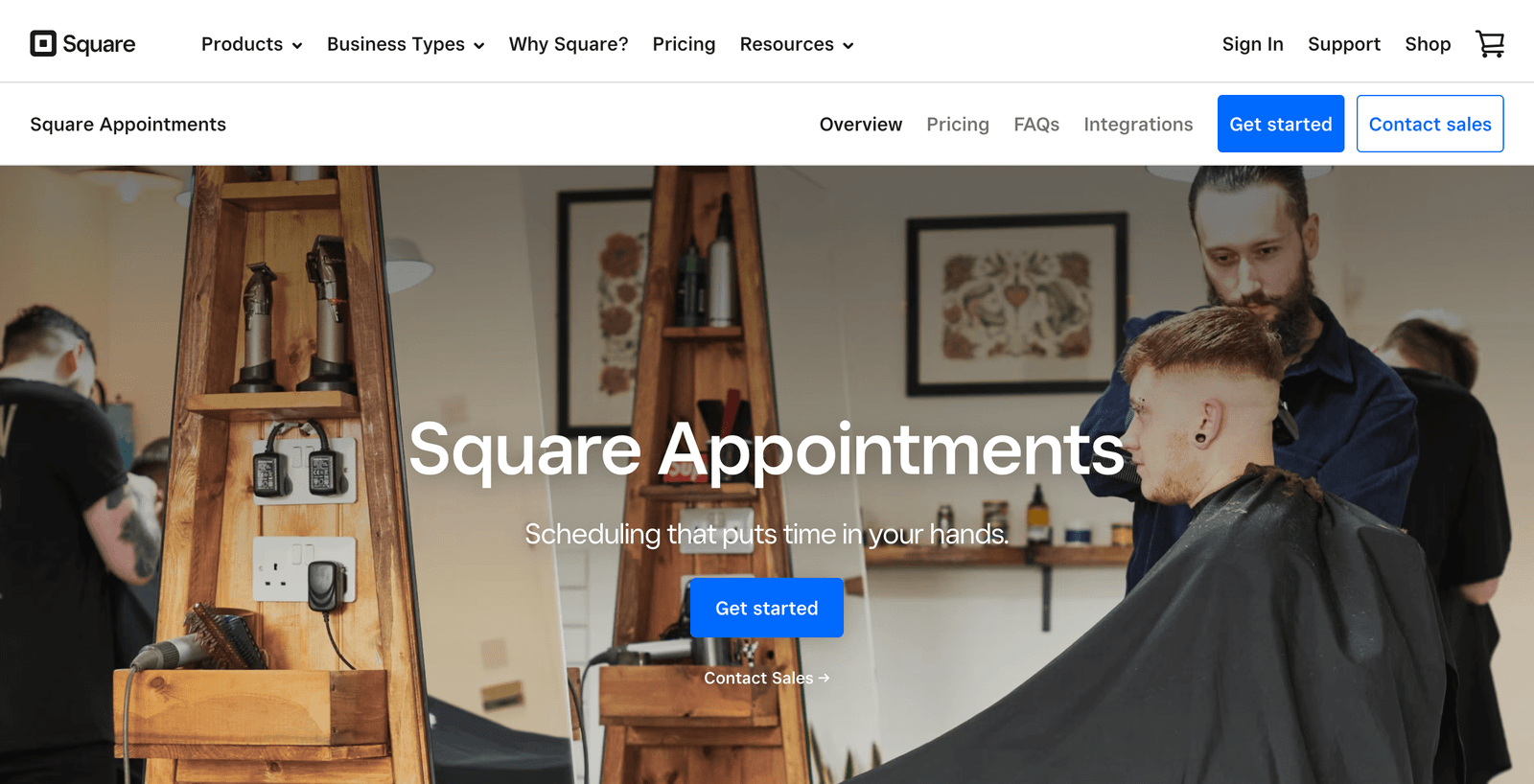
    Square Appointments

    Best for nail salons wanting powerful tip tracking without the upfront costs

    Pricing: Free to start; Square Payroll at $39 per month plus $6 per employee

    Square has become the go-to choice for nail salons because of one simple truth: you can start using it today without spending a dime on software.

    But don’t mistake “free” for “basic.”

    Square’s tip tracking capabilities rival systems that cost hundreds per month. Here’s where Square really excels:

    Automate Tip Pooling and Distribution

    Square Team Management is designed to simplify tip pooling by making it automatic. With Team Plus, you’re able to choose your pooling method: Split tips across all team members clocked in at the time of the transaction or across employees based on hours worked.

    This is huge for nail salons where multiple techs might work on the same client, or where you want to share tips between front desk staff and technicians.

    For example:

    Say your salon brings in $500 in tips during a shift. You have three techs who worked different hours. Square automatically calculates that Tech A worked 10 hours and gets $200, Tech B worked 7 hours and gets $140, and Tech C worked 8 hours and gets $160.

    No spreadsheets. No arguments. No math errors.

    Handle Both Cash and Credit Card Tips

    Credit card tips are more straightforward because they enter your POS right away, but tracking your employees’ cash tips can be a little harder to wrangle. To make this easier, Square Payroll allows you to input cash tips manually. The system will calculate employee taxes for the appropriate tip amounts and withhold them from the employee’s paycheck.

    This means you can track every tip, regardless of how clients choose to pay. The system handles all the tax calculations automatically.

    Track Commission and Tips Together

    With the commission tracking feature through Square Payroll, you can set commission rates (flat or tiered) for your employees, and the system will automatically calculate their earnings based on those rates.

    If your nail techs earn both commission and tips, Square handles the complex math of combining both into accurate paychecks.

    Pros & Cons

    ProsCons
    Transparent pricing: No hidden fees, with plans starting at $0/month that includes a free booking calendarLimited customization options compared to premium platforms
    Import timecards and tips from Square POS to ensure accurate payroll runsPayroll is an additional cost if you want full automation
    Excellent mobile access for on-the-go managementAdvanced features require upgrading to paid plans

    Square Alternative: Clover

    Clover software is loaded with features that are particularly helpful for salon owners, including capabilities to manage employee shifts, measure employee performance through sales reports and offer customers tip options upon checkout.

    However, Square typically offers better tip pooling automation and more transparent pricing. Clover can be more expensive once you factor in required hardware and monthly fees.

    Mangomint
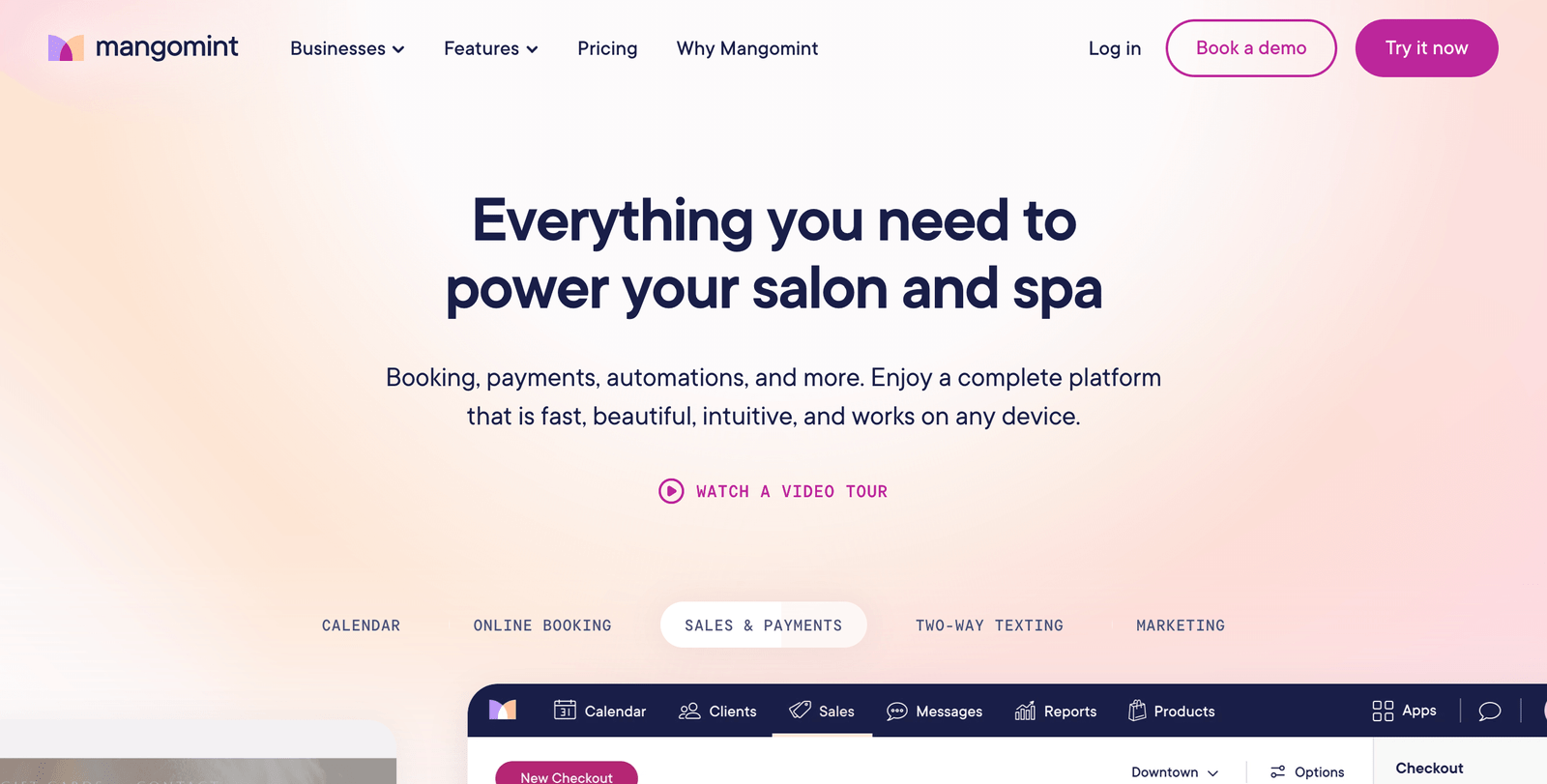
    Mangomint

    Best for growing nail salons that want premium tip tracking with beautiful design

    Pricing: Starting around $79 per month; Payroll at $40 per month plus $6 per employee

    Mangomint has earned its reputation as the “premium” choice in salon software. And when it comes to tip distribution tracking, they’ve built something really sophisticated.

    But Mangomint isn’t trying to be the cheapest option.

    They’re focused on being the best option for salons that want everything to work seamlessly. Here’s where Mangomint stands out:

    Streamlined Tip Assignment and Splitting

    Adding and Splitting Tips in Mangomint is designed to handle complex scenarios that nail salons face every day.

    Maybe one tech does the manicure while another does the nail art. Or your front desk helps with retail sales that deserve a tip split. Mangomint lets you assign and split tips however makes sense for your business.

    The system tracks which staff member performed which service, making tip allocation automatic and accurate.

    Integrated Payroll Processing

    Pay your employees and contractors on time — every time. No extra systems needed. We support multiple compensation types (hourly, salary, commission, tips) and unlimited payroll runs.

    Mangomint’s payroll reports include revenue by staff member, total hours worked, commission amounts, product sales totals, tip totals, and all the information you need to run payroll.

    This means your tip tracking feeds directly into payroll without any manual data entry. Everything happens in one place.

    Beautiful Client-Facing Checkout

    Our Front Desk Display and bluetooth card reader setup turns an iPad into a beautiful client facing screen where clients can pay, view their total, select a tip, add a signature, and choose how to get their receipt.

    When clients see a professional, beautiful checkout experience, they’re more likely to tip generously. And those tips get tracked automatically.

    Pros & Cons

    ProsCons
    Mangomint is the highest rated scheduling software for hair salons, spas, nail salonsDoesn’t allow independent professionals to use the platform. Only teams
    Modern, easy-to-use, interface and clean POS hardwareHigher entry-level price than many other salon & spa software
    Sophisticated tip splitting for complex scenariosRequires learning curve for full feature utilization

    Mangomint Alternative: Boulevard

    Boulevard offers similar premium features with their own payment processing and tip management. However, Mangomint typically provides better customer support and easier setup for nail salon-specific needs.

    Zenoti
    Zenoti

    Best for nail salon chains and large operations needing enterprise-level tip management

    Pricing: Custom pricing starting around $300-600 per month (requires annual contract)

    Zenoti is the heavy-hitter of nail salon software. If you’re running multiple locations or have complex tip distribution needs, this is where you’ll find the most sophisticated tools.

    But Zenoti isn’t for everyone.

    It’s built for nail salons that have outgrown simpler systems and need enterprise-grade capabilities. Here’s where Zenoti excels:

    Advanced Multi-Location Tip Management

    As a business tool, nail salon management software provides nail salon operators and managers with an interface to do things like confirm appointments, track inventory, arrange tip payouts, and run marketing campaigns.

    If you have nail techs working across multiple locations, Zenoti tracks their tips and performance everywhere. The system maintains unified records so you can run payroll across your entire operation from one dashboard.

    AI-Powered Analytics for Tip Optimization

    Zenoti provides detailed analytics on tip patterns, helping you understand which services generate the highest tips and which staff members perform best.

    This data helps you make smarter scheduling decisions and identify training opportunities to boost overall tip performance.

    Complex Commission and Tip Structures

    arrange tip payouts with unlimited customization options. Whether you have different tip-sharing rules for different services, or complex commission structures that change based on performance, Zenoti can handle it.

    The system automatically applies the right rules to each transaction, ensuring accurate payouts every time.

    Pros & Cons

    ProsCons
    Zenoti is the top rated, best-in-class Salon, Spa, Medspa and Fitness Center platform availableyou’re going to be locked into Zenoti for at least the next year, and you won’t be able to click a single button inside of the app until you sign that contract
    Sophisticated multi-location tip and commission managementThis is by far the most convoluted and confusing method of salon software pricing I have ever seen
    AI-powered business insights and optimizationHigh cost and complex setup process

    Zenoti Alternative: Mindbody

    Mindbody offers similar enterprise features for multi-location businesses. However, Zenoti typically provides better nail salon-specific features and more sophisticated tip distribution options.

    Other Tools in Our Nail Salon Tech Stack

    Managing tips effectively requires more than just POS software.

    At our salon, we also use these tools to keep payroll running smoothly:

    • QuickBooks Online for accounting integration and tax preparation
    • 7shifts for advanced tip pooling when using Square POS
    • TipHaus for complex tip distribution scenarios across multiple locations
    • ADP for comprehensive payroll processing when integrated with POS systems

    Wrapping up

    The truth is, most nail salons are still using outdated methods for tip tracking. Spreadsheets. Manual calculations. Arguments about who earned what.

    But the salons that are thriving in 2025? They’ve automated this process completely.

    A good tip distribution system doesn’t just save you time. It builds trust with your team, ensures fair compensation, and creates the kind of workplace culture where talented techs want to stay.

    Start with the platform that matches your current needs and budget. But choose one that can grow with you.


    salons ai cta


  • Salon Marketing Software with Loyalty Program Features

    Salon Marketing Software with Loyalty Program Features

    The salon industry is brutal. Clients are always hunting for deals. New salons open every month. And keeping customers coming back? It’s harder than ever.

    But here’s what successful salon owners know:

    If you have the right loyalty program, you can turn one-time visitors into devoted clients who book regularly, spend more per visit, and refer their friends.

    Not by slashing prices, but by making every client feel valued, rewarded, and excited to return.

    The best salon marketing software with loyalty features helps you do exactly that:

    • Turn casual clients into repeat customers
    • Increase average ticket size through reward incentives
    • Build a community of brand advocates who spread the word
    • Automate retention so you can focus on what you do best

    These are the tools savvy salon owners use to build client bases that keep growing, month after month.

    (And the loyalty programs that actually drive results)

    The best part?

    These platforms work for salons of any size. Whether you’re a solo stylist or running multiple locations.

    My Top Salon Loyalty Software for 2025

    1. Zenoti: Enterprise-grade platform with AI-powered loyalty and membership programs
    2. Vagaro: Affordable all-in-one solution with marketplace exposure and built-in loyalty tools
    3. GlossGenius: Beautifully designed platform perfect for independent professionals and small teams

    Zenoti

    Zenoti

    Best for multi-location salons and large operations that need enterprise-level loyalty management

    Pricing: Custom pricing starting around $300-600 per month (requires annual contract)

    Zenoti gets mentioned on every “best salon software” list for good reason. It’s incredibly comprehensive. And when it comes to loyalty programs, they’ve built something seriously powerful.

    But I don’t recommend Zenoti for everyone.

    I recommend it specifically for salon owners who need enterprise-level features and have the budget to match. Here’s where Zenoti really shines:

    Build Sophisticated Loyalty Programs

    Zenoti provides foundational Regular Loyalty Programs and advanced Tiered Loyalty Programs, allowing customized point accrual (pre- or post-tax) and easy redemption.

    You can create multiple loyalty tiers that make your best clients feel truly special. Think Bronze, Silver, and Gold levels where spending more unlocks better perks.

    For example:

    Bronze members might earn 1 point per dollar spent. Silver members could earn 1.5 points per dollar after spending $500. And Gold members get 2 points per dollar once they hit $1,000 in annual spending.

    Zenoti provides detailed Loyalty Program Performance Reports, Guest Retention and Feedback Summaries, Referral Effectiveness Tracking, and a Loyalty Points Liability Data Model for advanced analytics.

    This means you can see exactly which loyalty strategies drive the most revenue and adjust accordingly.

    Automate Referral Rewards

    Configure attractive rewards for referrals, integrating effortlessly into marketing campaigns. Boost organic growth through effective word-of-mouth strategies.

    Zenoti makes it easy to track when existing clients bring in new customers. You can automatically reward both the referrer and the new client.

    This creates a powerful growth loop where happy clients become your best marketing channel.

    Manage Loyalty Across Multiple Locations

    If you run multiple salon locations, Zenoti handles this seamlessly. Zenoti packages are easily accessible across all your brand’s locations. The Zenoti salon and spa management system tracks purchased packages by guest ID to ensure that guests can redeem their packages irrespective of their location.

    Your clients can earn points at one location and redeem them at another. The system keeps everything synchronized automatically.

    Pros & Cons

    ProsCons
    Advanced loyalty analytics and reportingExpensive with annual contract requirements
    Multi-location loyalty program managementSteep learning curve for staff
    AI-powered marketing automationSecretive pricing structure

    Zenoti Alternative: Mindbody

    Mindbody offers similar enterprise-level features for multi-location salon chains. It includes loyalty programs, membership management, and marketing automation.

    However, Zenoti typically offers better customization options for loyalty programs and stronger analytics capabilities. Mindbody tends to be more fitness-focused in its feature development.

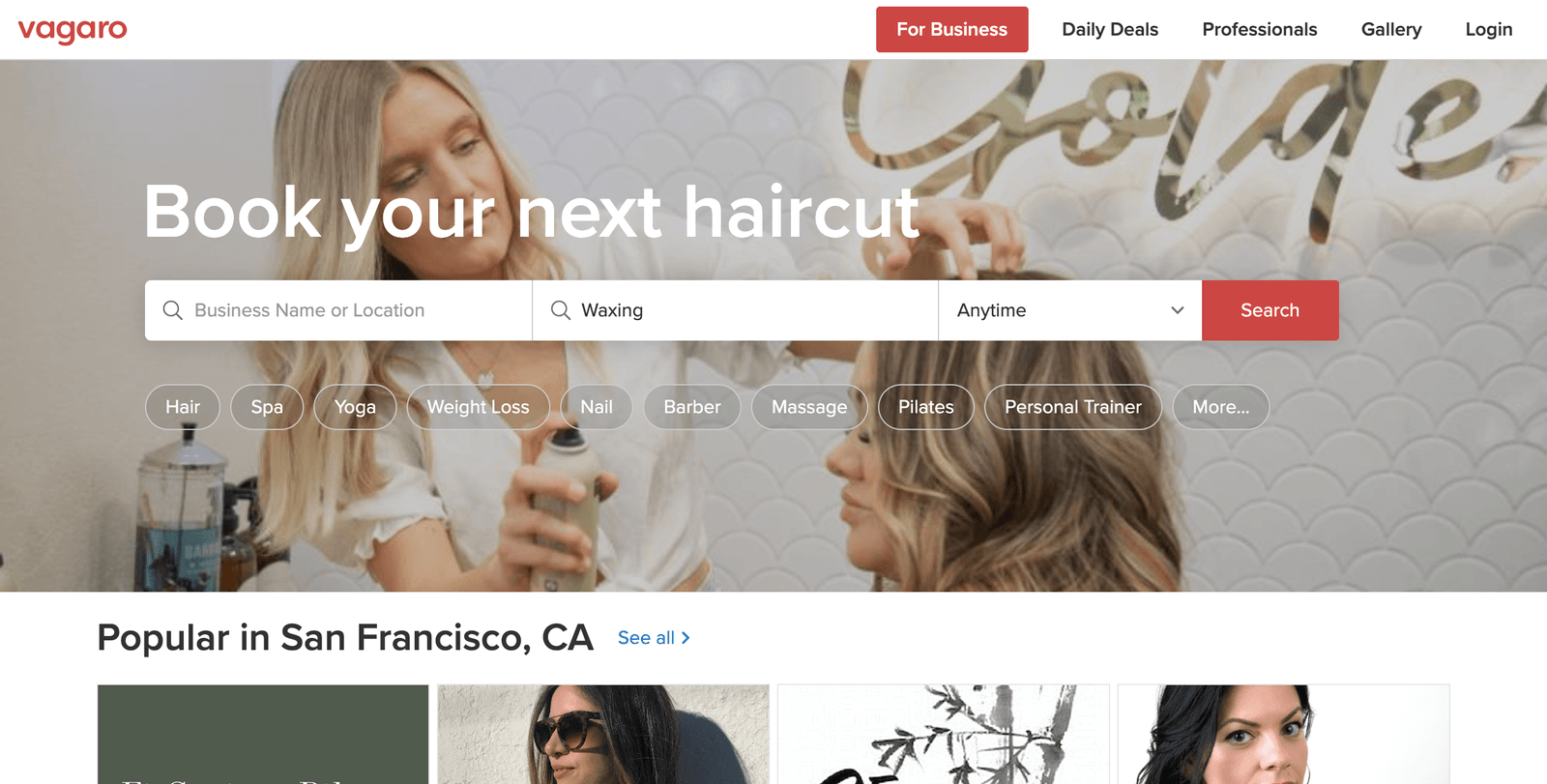
    Vagaro

    Vagaro

    Best for small to medium salons wanting affordable loyalty features with marketplace exposure

    Pricing: $30 per month for one location; additional team members at $10 each

    Vagaro takes a different approach to salon software. Instead of trying to be the most feature-rich platform, they focus on being the most accessible and affordable.

    And their loyalty program features punch well above their price point.

    Create Custom Loyalty Programs

    Create & manage customer loyalty programs is included in every Vagaro plan, even at the $30 entry level.

    Customize price, duration & points for each service and employees who offer them.

    You can set up point-based systems where clients earn rewards for every dollar spent. Or create service-specific rewards where a facial earns different points than a haircut.

    The flexibility here is impressive for such an affordable platform.

    Get Discovered Through the Vagaro Marketplace

    Here’s what sets Vagaro apart: Free listing with unlimited daily deals and bookings on the Vagaro Marketplace.

    This marketplace connects potential clients with your salon. And unlike most discovery platforms, Vagaro doesn’t charge you extra when clients book through it.

    You can promote special offers and loyalty program sign-ups directly through the marketplace. This gives you a built-in way to attract new clients who might become loyalty program members.

    Automate Client Engagement

    1,000 free email marketing messages to send each month helps you stay connected with loyalty program members.

    You can send automated birthday discounts, point balance updates, and special member-only promotions. All without paying extra for email marketing tools.

    The system also handles appointment reminders automatically, which helps reduce no-shows and keeps your loyal clients engaged.

    Pros & Cons

    ProsCons
    Very affordable with no long-term contractsThe platform’s “kitchen sink” approach means you get access to numerous features, but the sheer amount of features and the way the software presents them to you may seem overwhelming, especially at first
    Free marketplace exposure for new client acquisitionThis means that they will receive marketing communications from Vagaro as well as access to and promotion of their marketplace – where your competitors are
    Integrated payment processing and marketing toolsLimited customization compared to enterprise platforms

    Vagaro Alternative: Phorest

    Phorest focuses specifically on salon and spa businesses with updated Digital Loyalty and new Referrals features. Their Digital Loyalty program has evolved from the traditional Treatcard system to a fully digital experience where clients can track their rewards through online booking.

    However, Phorest doesn’t run a salon marketplace or directory, so you miss out on the built-in client discovery that Vagaro provides.

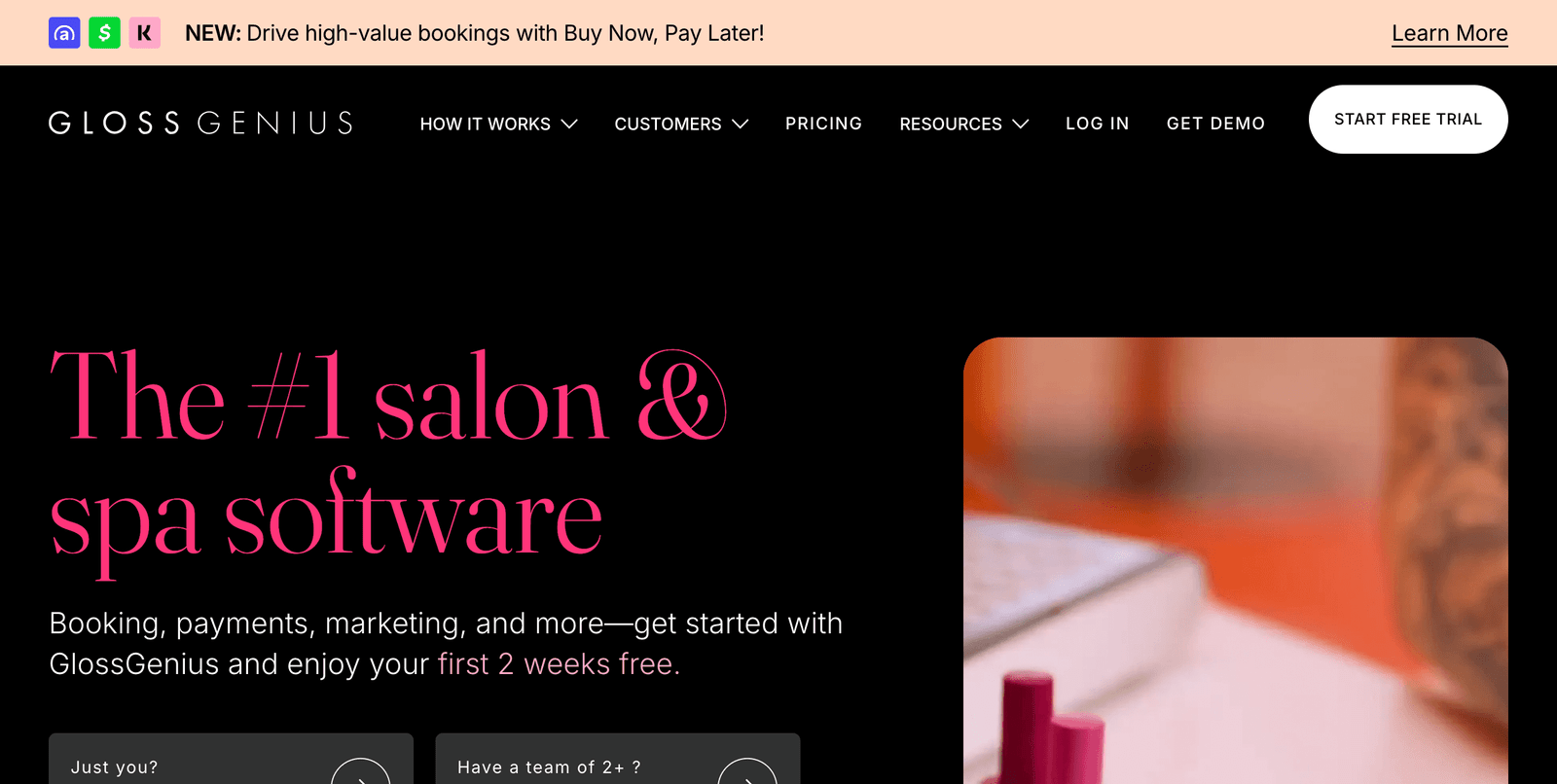
    GlossGenius

    GlossGenius

    Best for independent professionals and small salons that want beautiful design with solid loyalty features

    Pricing: $24 per month for Standard Plan, $48 per month for Gold Plan, $148 per month for Platinum Plan

    GlossGenius has earned a reputation for being the most beautifully designed salon software on the market. But it’s not just about looks.

    Their loyalty program features are thoughtfully designed and easy to implement.

    Build Client Relationships That Last

    While GlossGenius doesn’t have the most complex loyalty program features, what they do offer works incredibly well for smaller operations.

    GlossGenius offers powerful salon marketing tools to help you attract new clients and retain existing ones. With features like customizable email and SMS campaigns, social media integrations, and rebooking reminders, GlossGenius makes it easier than ever to engage with potential clients and encourage repeat visits.

    The focus here is on relationship building rather than complex point systems. You can send personalized messages, track client preferences, and create experiences that make people want to return.

    Seamless Client Experience

    The platform now includes a fully integrated payment system with a competitive 2.6% flat processing rate and versatile payment options including tap, insert, and swipe payments through their stylish card readers.

    When clients feel good about every interaction with your business, they naturally become more loyal. GlossGenius excels at making every touchpoint feel premium and professional.

    Your booking site, payment process, and client communications all maintain the same beautiful, consistent brand experience.

    Perfect for Growing Businesses

    The Standard Plan provides all the essentials needed for running your business as a solo professional, but you can scale up as you grow.

    The Gold Plan, which costs $48 per month, offers additional features for busy salons with fewer than ten employees.

    This makes it easy to start simple and add more sophisticated loyalty features as your client base grows.

    Pros & Cons

    ProsCons
    GlossGenius has an average Ease of Use rating of 4.8, which is higher than the average Ease of Use rating of 4.6 in the appointment scheduling categoryMultiple reviewers wish they could let their customers benefit from a referral program or subscriptions, but GlossGenius doesn’t offer these features
    Transparent pricing structure with competitive 2.6% flat processing rateLighter on features than many of its rivals
    Beautiful, professional design that impresses clientsLimited integration options with third-party tools

    GlossGenius Alternative: Mangomint

    Mangomint offers more robust team features and advanced loyalty program options. It’s designed specifically for growing salons that need more sophisticated client retention tools.

    However, GlossGenius wins on ease of use and design. If you value simplicity and want your software to look as good as your salon, GlossGenius is the better choice.

    Other Tools in Our Salon Marketing Stack

    Running a successful loyalty program requires more than just the right software platform.

    At our salon, we also use these tools to maximize client retention:

    • Canva for creating beautiful loyalty program graphics and social media posts
    • Google Analytics to track which loyalty incentives drive the most bookings
    • Mailchimp for advanced email sequences that nurture loyalty program members
    • Instagram Business to showcase loyal clients and create FOMO around exclusive perks

    Wrapping up

    Look, there are dozens of salon software options out there. But these three consistently deliver results when it comes to building loyal client relationships.

    An affordable platform with solid loyalty features beats an expensive one that sits unused.

    But beyond the software, focus on making every client interaction remarkable. Technology amplifies great service, but it can’t replace it.

    salons ai cta

  • 3 Best Pedicure Appointment Software for Nail Salons

    3 Best Pedicure Appointment Software for Nail Salons

    The nail salon industry is booming. Industry data shows that the artificial nail market is expected to have a 4.5% growth rate from 2019 to 2024. Meanwhile, liquid polish remains the largest segment as experts are forecasting a compounded annual growth rate of 10.5% from 2016 to 2024.

    But here’s the thing: if you’re still juggling paper appointment books and fielding endless phone calls, you’re missing out on serious revenue.

    The old “write it down and hope for the best” approach doesn’t work when you’re trying to scale.

    Modern nail salons need systems that work as hard as they do:

    • 24/7 online booking that captures clients when they’re actually ready to book
    • Automated reminders that cut no-shows (and the lost revenue that comes with them)
    • Real-time scheduling that prevents double-bookings and maximizes chair time
    • Payment processing that lets clients pay while their nails dry

    On average, Booksy providers reduce no-shows and late cancellations up to 25% and recoup over $400 in lost revenue each month.

    The best part?

    These appointment software solutions are designed specifically for nail salons. They understand your workflow, from quick gel touch-ups to full acrylic sets.

    Here are the three systems I see the most successful nail salons using every single day.

    My Top 3 Pedicure Appointment Software for 2025

    1. Fresha: Best all-around value with marketplace exposure and no subscription fees for basic use
    2. Square Appointments: Perfect for salons wanting seamless payment integration and professional hardware
    3. Booksy Biz: Strongest no-show protection and client acquisition features

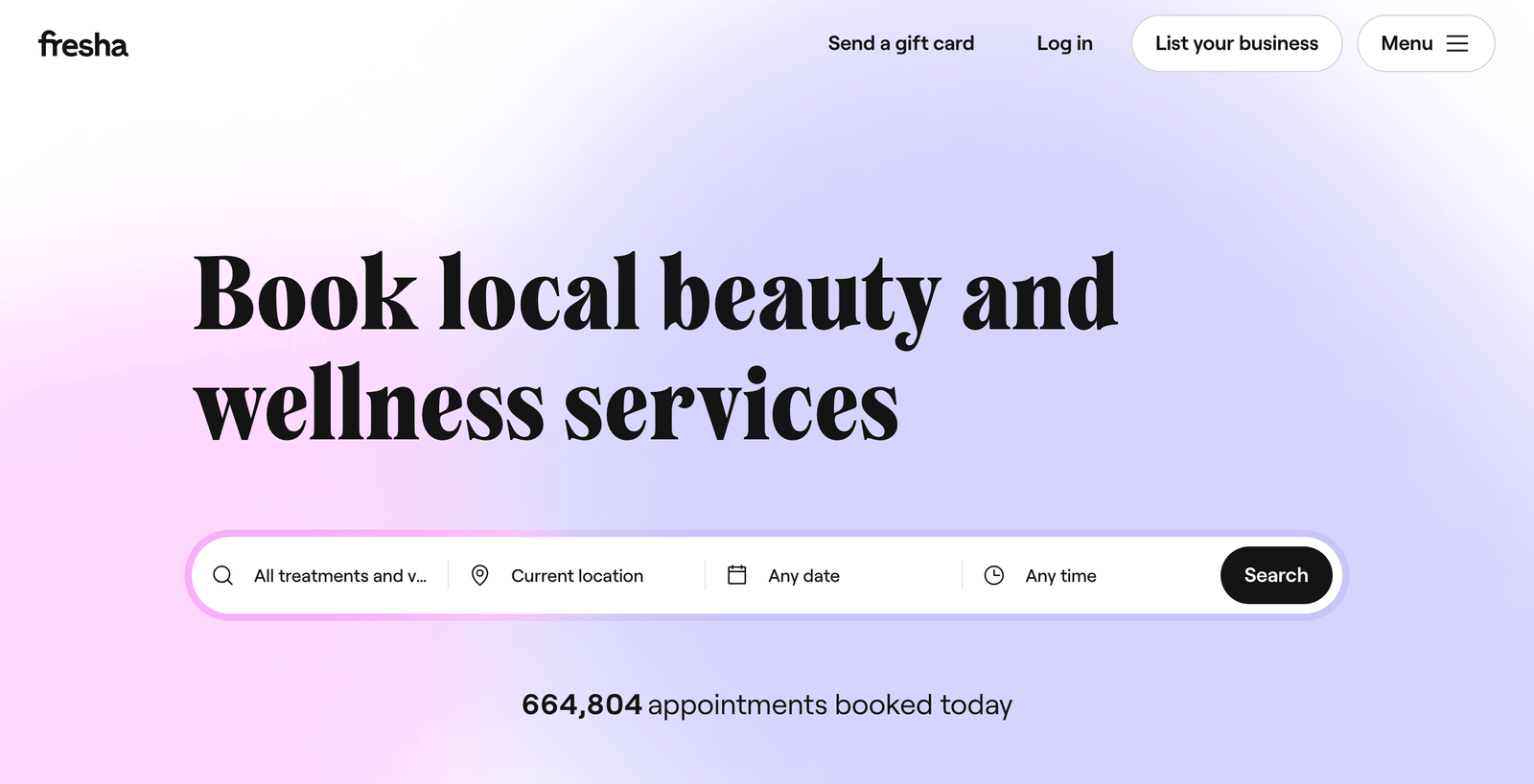
    Fresha

    Fresha

    Best for salons wanting maximum features without breaking the bank

    Pricing: Free core plan; Plus plan at $9.95 per month per team member

    I’ve watched Fresha grow from a scrappy startup to powering over 450,000 beauty professionals worldwide. And honestly? I get why so many nail salons have switched to them.

    Fresha is free for independent nail techs and small salons. As your business grows, our pricing scales with you. You only pay when you start getting bookings through the platform, and there are no hidden fees.

    Get Found by New Clients Automatically

    Here’s what sets Fresha apart: when you set up your salon on their platform, you’re automatically listed on their marketplace.

    Fresha helps you attract new clients and boost revenue through our global beauty and wellness marketplace, where millions of people discover and book services every month.

    This means potential clients searching for “nail salon near me” can find and book with you directly through the Fresha app. No extra marketing spend required.

    I’ve seen salons get 3-5 new bookings per week just from marketplace visibility alone.

    Handle Walk-ins Like a Pro

    Nail salons get more walk-ins than almost any other beauty business. Fresha’s system handles this beautifully.

    You can add walk-ins to your calendar in real-time, and the system automatically updates availability for online bookings. No more awkward “let me check the book” conversations.

    Perfect for detailed nail art, sculpting, and custom designs, with client notes and photo history

    Streamline Your Entire Operation

    Fresha isn’t just booking software. It’s your complete business management system:

    • Inventory tracking for polishes, files, and retail products
    • Staff management with individual calendars and commission tracking
    • Payment processing with instant deposits to your account
    • Marketing automation that brings clients back automatically

    Pros & Cons

    ProsCons
    Free core plan with most essential features includedPlus plan required for advanced marketing features
    Massive marketplace exposure for new client acquisition20% commission on marketplace bookings
    No long-term contracts or setup feesInterface can feel slower than premium competitors

    Fresha Alternative: Vagaro

    Vagaro offers a Swiss army knife approach with comprehensive features at an affordable price. It includes advanced website integration and AI-powered marketing tools. However, the interface can feel clunkier than Fresha, and you’ll pay add-on fees for certain features that come standard with Fresha.

    Square Appointments

    Square Appointments

    Best for salons wanting professional payment processing and modern hardware

    Pricing: Free for solo providers; Plus at $29/month per location; Premium at $69/month per location

    If you’ve ever used Square’s payment systems, you know they just work. Square Appointments brings that same reliability to appointment scheduling.

    Square Appointments has made significant strides in 2024-2025, particularly standing out out for their hardware quality and integration capabilities. When it comes to point-of-sale units and hardware, Square leads the pack with what many consider the best-looking and most modern equipment in the industry.

    The “Lego Approach” That Grows With You

    Square’s genius is in how their tools connect. You can start with just appointment scheduling (free for solo techs) and add pieces as you grow:

    • Square POS for checkout
    • Square Marketing for email campaigns
    • Square Payroll for staff management
    • Square Online for your website

    One unique advantage is Square’s “Lego approach” to business tools, you can connect the pieces you need as you grow. While you might start with just appointment scheduling (free for solo providers), you can seamlessly add their professional POS system, payroll tools, marketing suite, and even build a website with Square Online.

    Everything syncs automatically. When a client books online, their info flows into your POS system. When they check out, their purchase history updates their profile.

    Get Discovered on Square Go

    Square launched their marketplace app, Square Go, which helps clients find local beauty services.

    They’ve also launched Square Go, a marketplace app that helps clients discover and book services directly.

    Unlike other marketplaces that charge commissions, Square Go just helps drive bookings to your existing Square Appointments calendar. More exposure, no extra fees.

    Modern Hardware That Clients Love

    Square’s payment terminals are honestly gorgeous. The sleek design makes your salon look more professional, and clients can tip directly on the screen while their nails dry.

    Take payments using just your phone with Tap to Pay on iPhone and Tap to Pay on Android, no hardware required. Accept every major type of payment your clients prefer, whether that’s tap, chip, card on file, Apple Pay, Google Pay, Cash App Pay, or Cash App Afterpay.

    Pros & Cons

    ProsCons
    Free plan includes everything solo techs needLimited advanced marketing features compared to competitors
    Best-in-class payment processing and hardwarePlus and Premium plans can get expensive for larger teams
    Seamless integration with entire Square ecosystemMarketplace features are newer and less established

    Square Appointments Alternative: GlossGenius

    GlossGenius offers a modern, Instagram-worthy interface that’s perfect for showcasing your work. It includes automated review requests and marketing features. However, it lacks the hardware integration and broader business tools that make Square so compelling for growing salons.

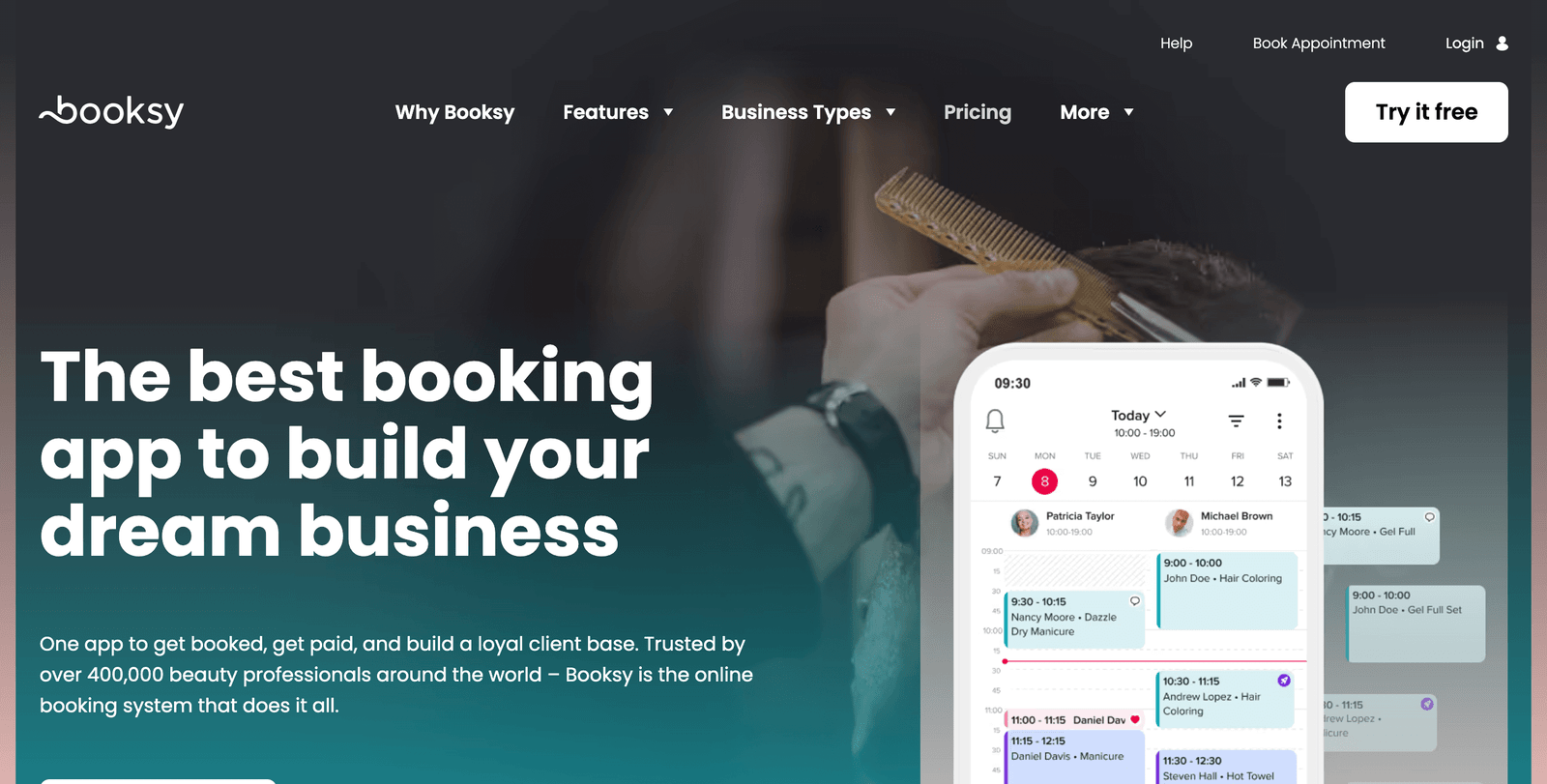
    Booksy Biz

    Booksy Biz

    Best for salons serious about reducing no-shows and maximizing revenue

    Pricing: All-inclusive pricing starting around $29/month (contact for specific pricing)

    Booksy has become the go-to choice for nail salons that want to stop losing money to no-shows and last-minute cancellations.

    Booksy stands out as the best nail salon software due to its comprehensive all-in-one features that cater specifically to the needs of nail artists and salon owners.

    No-Show Protection That Actually Works

    This is where Booksy really shines. Their no-show protection features aren’t just about sending reminders,  they create accountability.

    On average, Booksy providers reduce no-shows and late cancellations up to 25% and recoup over $400 in lost revenue each month.

    The system can require deposits for certain services, automatically charge cancellation fees, and even blocks serial no-show clients from booking.

    For nail salons (where a missed manicure means lost time and product), this protection pays for the software itself.

    Everything You Need, Nothing You Don’t

    With other softwares, all of those “extras” start to add up. At Booksy, every feature is included, and that includes email marketing to keep in touch with your clients. That means no monthly add-ons or higher plan tiers for access to features that should come standard.

    You get:

    • Unlimited online booking and staff calendars
    • Automated email and SMS marketing
    • Complete POS system with card processing
    • Portfolio showcase for your nail art
    • Detailed performance analytics
    • Mobile app for managing on-the-go

    Built for Team Management

    If you have multiple nail techs, Booksy makes staff management effortless. Individual calendars, commission tracking, performance reports, it’s all there.

    You can place an appointment widget on your nail salon’s website. This widget integrates seamlessly with your site, allowing clients to book appointments directly without having to leave your webpage.

    Pros & Cons

    ProsCons
    Industry-leading no-show protection saves significant revenueHigher monthly cost than some competitors
    All features included with no add-on feesCan feel feature-heavy for very small salons
    Strong marketplace presence for client acquisitionLearning curve for staff to master all features

    Booksy Biz Alternative: Mangomint

    Mangomint offers a fresh, modern approach to salon software with excellent customer service ratings. It includes sophisticated marketing automation and payroll processing. However, it starts at $165/month, making it significantly more expensive than Booksy for most nail salons.

    Other Tools Successful Nail Salons Use

    Beyond appointment software, here are the tools I see top-performing nail salons using:

    Ready to Stop Losing Money to Empty Chairs?

    The nail salon business is all about maximizing your chair time and minimizing no-shows.

    Any of these three systems will transform how you manage appointments. But if I had to pick just one:

    • Go with Fresha if you want maximum value and marketplace exposure
    • Choose Square if you want the best payment processing and hardware
    • Pick Booksy if no-shows are killing your profits

    The best appointment software is the one your team will actually use consistently. Start with a free trial of whichever system feels right for your salon’s workflow.

    salons ai cta

  • 5 Best Manicure Appointment Software for Nail Salons

    5 Best Manicure Appointment Software for Nail Salons

    Your manicure station is booked solid. Clients are loving your nail art. Your Instagram is getting more followers every week. Business is good.

    But here’s the problem: you’re spending more time managing appointments than actually doing nails.

    Sound familiar?

    If you’re still using a paper appointment book or fielding constant “what time do you have available?” phone calls, you’re leaving money on the table.

    Modern manicure businesses need systems that capture bookings 24/7, showcase your portfolio, and handle the business side so you can focus on creating beautiful nails.

    The numbers don’t lie:

    • Salons using appointment software see 25% fewer no-shows on average
    • Online booking increases appointment volume by 30-40%
    • Automated reminders alone can save 2-3 hours of phone calls daily
    • Digital portfolios convert 60% more consultation requests into bookings

    But not all appointment software is created equal.

    Manicure services have unique needs: quick turnaround times, detailed nail art documentation, color consultations, and the ability to upsell add-ons like nail art or gel extensions.

    These are the five systems I see the most successful manicure specialists and nail salons using to streamline their bookings, showcase their work, and maximize every appointment slot.

    My Top 5 Manicure Appointment Software for 2025

    1. Fresha: Best overall value with built-in marketplace and zero subscription fees for solo techs
    2. GlossGenius: Perfect for independent nail artists who want Instagram-worthy client experiences
    3. Square Appointments: Ideal for salons wanting seamless payment processing and professional hardware
    4. Booksy Biz: Strongest no-show protection and client acquisition features for busy salons
    5. Zenoti: Enterprise-level solution for multi-location nail salon chains

    Fresha

    Fresha

    Best for nail technicians and salons wanting maximum features without monthly fees

    Pricing: Free core plan; Plus plan at $9.95 per month per team member

    Fresha has become the backbone of over 450,000 beauty professionals worldwide, and for good reason. When I first started recommending it to nail techs, I was skeptical of the “free” model. But three years later, I’ve watched solo nail artists scale to multi-chair salons using nothing but Fresha’s platform.

    Showcase Your Nail Art Like a Pro

    The beauty of manicure work is visual. Fresha gets this.

    Their portfolio system lets you upload unlimited photos of your work, organize them by style (French tips, nail art, acrylics, gel), and even tag specific techniques or products used.

    When clients book online, they can browse your entire portfolio. I’ve seen nail techs get 40% more bookings for premium services just because clients could see their nail art skills upfront.

    Get Discovered by Millions of Potential Clients

    Here’s where Fresha really shines: marketplace exposure.

    Fresha helps you attract new clients and boost revenue through our global beauty and wellness marketplace, where millions of people discover and book services every month.

    When someone searches “nail salon near me” or “gel manicure,” your salon can appear in the Fresha app results. No advertising spend required.

    I know a nail tech in Phoenix who gets 5-7 new clients weekly just from Fresha marketplace visibility. That’s $300-500 in additional revenue per week from something that’s essentially free.

    Handle Complex Manicure Services Effortlessly

    Manicures aren’t one-size-fits-all. You’ve got:

    • Quick polish changes (15 minutes)
    • Full gel manicures with nail art (90 minutes)
    • Extensions with custom design (2+ hours)

    Fresha’s service builder handles all of this. You can set different durations, prices, and even required prep time between complex services.

    The system also tracks inventory automatically. When you complete a gel manicure, it deducts the products used and alerts you when polish colors are running low.

    Pros & Cons

    ProsCons
    Completely free for solo nail techniciansPlus plan required for advanced team features
    Massive global marketplace for new client discovery20% commission on marketplace bookings
    Unlimited portfolio uploads with professional presentationCan feel overwhelming for technicians who just want basic booking

    Fresha Alternative: Vagaro

    Vagaro offers comprehensive salon management with website integration and AI-powered marketing tools. However, it follows an add-on pricing model where essential features like advanced reporting cost extra. For nail techs who want everything included upfront, Fresha provides better value.

    GlossGenius

    GlossGenius

    Best for independent nail artists who want to create premium client experiences

    Pricing: Starting at $24/month for solo practitioners

    GlossGenius was built by beauty professionals who understood that the client experience starts the moment someone finds you online. If you’re serious about positioning yourself as a premium nail artist, this platform delivers.

    Design That Makes Clients Say “Wow”

    The booking experience with GlossGenius feels like booking a spa appointment at a luxury resort. Everything is gorgeous, intuitive, and professional.

    GlossGenius has a sophisticated, modern look that allows you to showcase your style to clients and stand out in a crowd.

    Your booking page isn’t just functional—it’s a marketing tool. Custom branding, elegant typography, and seamless mobile experience. I’ve seen nail artists using GlossGenius charge 20-30% higher rates simply because their online presence screams “professional.”

    Automate the Business Side You Don’t Love

    Let’s be honest: most nail artists didn’t get into this business to handle invoicing and payment processing.

    GlossGenius automates the tedious stuff:

    • Automated email and SMS campaigns for client retention
    • Digital intake forms that collect allergy and preference info
    • Automatic review requests sent after each appointment
    • Seamless payment processing with digital receipts

    I wouldn’t be able to generate the dollars that I make behind the chair without GlossGenius.

    Smart Rebooking That Fills Your Calendar

    Here’s a feature that pays for itself: automated rebooking reminders.

    After a gel manicure appointment, GlossGenius automatically sends a personalized message 2.5 weeks later suggesting the client book their next appointment. For regular manicures, it’s every 1.5 weeks.

    This alone has helped nail artists maintain 70%+ client retention rates.

    Pros & Cons

    ProsCons
    Most elegant, professional-looking booking experienceHigher pricing than basic alternatives
    Excellent automation for client retention and reviewsLimited marketplace exposure compared to Fresha/Booksy
    Intuitive interface that requires minimal trainingFewer integrations with third-party tools

    GlossGenius Alternative: Boulevard

    Boulevard offers similar premium positioning with advanced email marketing features. However, it’s significantly more expensive (starting at $175/month) and designed more for larger salons than independent nail artists.

    Square Appointments

    Square Appointments

    Best for salons wanting professional payment processing and modern hardware

    Pricing: Free for solo providers; Plus at $29/month per location; Premium at $69/month per location

    If you’ve ever fumbled with a clunky card reader while a client’s nails are still wet, you’ll appreciate Square’s approach to payment processing.

    Square Appointments has made significant strides in 2024-2025, particularly standing out for their hardware quality and integration capabilities. When it comes to point-of-sale units and hardware, Square leads the pack with what many consider the best-looking and most modern equipment in the industry.

    Hardware That Actually Works in a Nail Salon

    Square’s payment terminals are designed for real-world use. The sleek, intuitive design means clients can easily add tips and complete payments while their nails dry.

    Take payments using just your phone with Tap to Pay on iPhone and Tap to Pay on Android — no hardware required. Accept every major type of payment your clients prefer, whether that’s tap, chip, card on file, Apple Pay, Google Pay, Cash App Pay, or Cash App Afterpay.

    No more “sorry, cash only” situations that cost you sales.

    Build Your Business Ecosystem Step by Step

    Square’s genius is the “Lego approach.” Start with just appointment booking (free for solo techs) and add pieces as you grow:

    • Square POS for retail sales (nail polish, hand cream, gift cards)
    • Square Marketing for email campaigns and promotions
    • Square Online for a professional website
    • Square Payroll when you hire additional nail techs

    Everything syncs automatically. A client books a gel manicure online, checks out with your Square terminal, and their purchase history updates their profile for next time.

    Get Found on Square Go Marketplace

    Square recently launched Square Go, their marketplace app for beauty services.

    They’ve also launched Square Go, a marketplace app that helps clients discover and book services directly.

    Unlike other platforms that charge hefty commissions, Square Go simply drives bookings to your existing calendar. More exposure, no extra fees.

    Pros & Cons

    ProsCons
    Free plan perfect for solo nail techniciansLimited advanced marketing features
    Best-in-class payment processing and hardwarePlus/Premium plans can get expensive for larger teams
    Seamless integration with complete business suiteNewer marketplace with less established user base

    Square Appointments Alternative: Acuity Scheduling

    Acuity offers robust scheduling features at competitive prices. However, it lacks the payment processing integration and hardware solutions that make Square so appealing for retail-heavy nail salons.

    Booksy Biz

    Booksy Biz

    Best for busy salons focused on maximizing revenue and reducing no-shows

    Pricing: All-inclusive plans starting around $29/month (contact for specific pricing)

    If no-shows and last-minute cancellations are eating into your manicure revenue, Booksy Biz is your solution.

    Booksy stands out as the best nail salon software due to its comprehensive all-in-one features that cater specifically to the needs of nail artists and salon owners.

    No-Show Protection That Pays for Itself

    This is where Booksy dominates. Their no-show protection isn’t just about sending reminders—it creates real accountability.

    On average, Booksy providers reduce no-shows and late cancellations up to 25% and recoup over $400 in lost revenue each month.

    For manicure services, this protection is crucial. A missed 60-minute gel manicure appointment represents $45-80 in lost revenue. Booksy’s deposit system and cancellation policies ensure you’re compensated even when clients don’t show.

    Everything Included, No Hidden Fees

    With other software, the “extras” add up fast. Email marketing, SMS reminders, credit card processing—suddenly your $30/month software costs $150.

    With Booksy, every feature is included:

    • Unlimited online booking across all team members
    • Automated email and SMS marketing campaigns
    • Complete POS system with inventory tracking
    • Portfolio showcase for your nail art
    • Detailed performance analytics and reporting
    • Mobile app for on-the-go management

    All the tools you need to manage and grow your client base, in one spot. Use free text & email message blasts to build relationships with clients and keep them coming back.

    Built for Team Nail Salons

    Managing multiple nail technicians is complex. Different specialties, varying schedules, commission structures. Booksy handles all of it.

    Individual calendars sync with the master schedule. Commission tracking happens automatically. Performance reports show which techs are booking the most premium services.

    You can place an appointment widget on your nail salon’s website. This widget integrates seamlessly with your site, allowing clients to book appointments directly without having to leave your webpage.

    Pros & Cons

    ProsCons
    Industry-leading no-show protection saves significant revenueHigher monthly cost than basic alternatives
    All features included with transparent pricingCan feel overwhelming for very small operations
    Strong marketplace presence with 15+ million active usersLearning curve to master all advanced features

    Booksy Biz Alternative: Schedulicity

    Schedulicity offers appointment scheduling and basic marketing features at lower prices. However, it lacks the no-show protection and comprehensive business management tools that make Booksy worth the investment for revenue-focused salons.

    Zenoti

    Zenoti

    Best for multi-location nail salon chains and enterprise operations

    Pricing: Starting at $300/month (custom pricing for larger operations)

    If you’re running multiple nail salon locations or planning serious expansion, Zenoti is the platform built for scale.

    Zenoti is fully capable of operating the entire nail salon. It is an all-in-one platform designed to streamline and enhance various aspects of nail salon operations.

    Enterprise-Level Features for Growing Chains

    Zenoti isn’t for everyone—and that’s by design. This platform is built for serious nail salon businesses:

    • Multi-location management with centralized reporting
    • Advanced staff scheduling across locations with automatic optimization
    • Sophisticated inventory management with automatic reordering
    • Detailed financial reporting with profit analysis by service, location, and technician
    • Customer relationship management with lifetime value tracking

    I’ve seen three-location nail salon groups use Zenoti to identify which services are most profitable, which locations need staffing adjustments, and which clients are worth targeted retention campaigns.

    Centralized Operations That Scale

    Managing multiple nail salons is complex. Staff scheduling, inventory distribution, performance tracking—Zenoti centralizes everything.

    Real-time dashboards show you exactly what’s happening across all locations. Which salon is booking the most gel extensions? Who needs more nail art supplies? Which location has the highest client retention?

    Set your brand or franchisees up for success with a single software platform for all locations.

    Advanced Marketing and Client Retention

    Zenoti’s marketing tools go beyond basic email campaigns:

    • Predictive analytics that identify which clients are likely to stop coming
    • Automated loyalty programs with points for different service types
    • Targeted promotions based on client spending patterns and preferences
    • Review management across Google, Yelp, and social platforms

    Pros & Cons

    ProsCons
    Comprehensive enterprise features for multi-location operationsSignificant monthly investment (minimum $300/month)
    Advanced reporting and analytics for data-driven decisionsOverkill for solo practitioners or single-location salons
    Sophisticated inventory and staff management toolsLonger implementation timeline and learning curve

    Zenoti Alternative: Mindbody

    Mindbody offers similar enterprise-level features with a strong marketplace presence. However, it’s primarily designed for fitness studios and may feel less tailored to nail salon-specific workflows compared to Zenoti.

    Other Essential Tools for Modern Manicure Businesses

    Beyond appointment software, here are the additional tools I see successful nail salons using:

    Transform Your Manicure Business

    The right appointment software doesn’t just organize your schedule, it becomes the foundation for scaling your nail business.

    Each of these five platforms excels in different areas:

    • Choose Fresha if you want maximum features and marketplace exposure without monthly fees
    • Go with GlossGenius if you’re positioning yourself as a premium nail artist and want elegant client experiences
    • Pick Square Appointments if seamless payment processing and professional hardware are priorities
    • Select Booksy Biz if no-shows are hurting your revenue and you want comprehensive business management
    • Invest in Zenoti if you’re running multiple locations or planning serious expansion

    The best appointment software is the one that fits your current business model while supporting your growth ambitions.

    Start with a free trial of whichever system aligns with your goals. Your clients will love the convenience, and you’ll love having more time to focus on what you do best: creating beautiful nails.

    Because at the end of the day, technology should make your life easier, not more complicated.

    salons ai cta

  • 5 Best Eyebrow Tinting Appointment Software for Beauty Salons

    5 Best Eyebrow Tinting Appointment Software for Beauty Salons

    Eyebrow tinting has exploded in popularity. Clients love the low-maintenance beauty routine. You love the quick turnaround and high margins. The “clean girl aesthetic” has made brow tinting a must-have service.

    But here’s the reality: managing eyebrow tinting appointments is trickier than it looks.

    You need to track patch testing (required 24-48 hours before first appointments). Color consultations take time. Before/after photos are crucial for your portfolio. Clients need rebooking reminders every 4-6 weeks. And let’s be honest, no one wants to play phone tag when their brows are growing out.

    The traditional appointment book can’t handle the complexity of modern brow services.

    Consider what eyebrow tinting actually requires:

    • Patch testing scheduling 24-48 hours before new client appointments
    • Color consultation time built into appointment durations
    • Portfolio management for showcasing your before/after transformations
    • Service combinations (tinting + waxing + lamination) with proper timing
    • Automated rebooking based on individual hair growth cycles
    • Client forms capturing allergies, medications, and previous reactions

    But most appointment software treats brow tinting like a generic 15-minute service. They miss the nuances that make this business profitable: the consultation process, the patch testing requirements, the importance of visual portfolios, and the recurring nature of the service.

    These are the five appointment software solutions I see the most successful eyebrow tinting specialists and brow bars using to streamline their bookings, showcase their work, and build recurring client relationships.

    My Top 5 Eyebrow Tinting Appointment Software for 2025

    1. Fresha: Best overall platform with free core features and massive marketplace exposure for brow artists
    2. GlossGenius: Perfect for premium brow studios focusing on sophisticated client experiences and professional branding
    3. Booksy Biz: Ideal for dedicated brow and lash specialists with strong no-show protection and client acquisition features
    4. Square Appointments: Best for salons wanting seamless payment processing and professional point-of-sale integration
    5. Vagaro: Comprehensive solution for full-service salons offering brow services alongside other beauty treatments

    Fresha

    Fresha

    Best for independent brow artists and small studios wanting professional features without monthly fees

    Pricing: Free core plan; Plus plan at $9.95 per month per team member

    I’ve seen Fresha transform how eyebrow specialists operate their businesses. What started as a simple booking platform has evolved into the complete business solution powering over 450,000 beauty professionals worldwide—and brow artists are some of their biggest success stories.

    Fresha aims to be the ultimate software choice for waxing. Available for businesses of all sizes, from local boutique salons to international spa chains, it supports over 450,000 stylists and professionals globally, helping them elevate their service and exceed customer expectations.

    Build Your Brow Portfolio Like a Pro

    Eyebrow tinting is all about the transformation. Fresha’s portfolio system lets you upload unlimited before/after photos, organize them by service type (tinting only, tint + shape, brow lamination combos), and even tag specific color matches and techniques.

    When clients browse your services online, they see your actual work—not stock photos. This visual proof is crucial for brow services where clients need to trust your color matching and shaping skills.

    I know a brow artist in Austin who gets 40% more bookings for premium services simply because clients can see her tinting portfolio upfront. The visual evidence builds confidence before they even walk through the door.

    Get Discovered by Clients Searching for Brow Services

    Here’s where Fresha really excels: organic client discovery through their marketplace.

    Fresha helps you attract new clients and boost revenue through our global beauty and wellness marketplace, where millions of people discover and book services every month.

    When someone searches “eyebrow tinting near me” or “brow lamination,” your studio can appear in Fresha’s app results. This exposure is particularly valuable for brow services, where clients often research extensively and compare artists before booking.

    A brow specialist I know in Denver gets 5-7 new clients weekly just from Fresha marketplace visibility. That’s $300-450 in additional revenue per week with zero advertising budget.

    Handle Patch Testing and Consultation Scheduling

    Eyebrow tinting requires patch testing for new clients 24-48 hours before their appointment. Fresha’s service builder lets you create “Patch Test” as a separate, quick appointment that automatically triggers booking the main service.

    The system can send automated reminders about patch test results and preparation instructions for the actual tinting appointment. This automation ensures compliance while reducing the administrative burden on your team.

    For consultation appointments, you can set up different service durations: quick touch-ups (15 minutes), full tint and shape (45 minutes), or premium packages with consultation and multiple services (90 minutes).

    Pros & Cons

    ProsCons
    Completely free for solo brow artists with full portfolio featuresPlus plan required for advanced team management and marketing automation
    Massive marketplace exposure brings new eyebrow tinting clients20% commission on marketplace bookings (industry standard)
    Specialized service combinations perfect for brow + lash packagesCan feel overwhelming for artists who only want basic booking

    Fresha Alternative: Phorest

    Phorest offers comprehensive salon management with strong client retention tools and detailed reporting. However, it’s primarily designed for larger salons and lacks the marketplace exposure and portfolio features that make Fresha so effective for individual brow artists.

    GlossGenius

    GlossGenius

    Best for premium eyebrow studios creating luxury client experiences and charging premium rates

    Pricing: Starting at $24/month for solo practitioners; scales with team size

    GlossGenius understands that eyebrow tinting is an intimate service where presentation matters. If you’re positioning your brow studio as a premium experience, this platform delivers the sophistication that justifies higher prices.

    GlossGenius has a sophisticated, modern look that allows you to showcase your style to clients and stand out in a crowd.

    Create Trust Through Professional Presentation

    Your booking experience sets client expectations before they arrive. GlossGenius creates an elevated experience that helps clients feel confident about trusting you with their brows.

    The platform’s elegant design, custom branding options, and professional communication style immediately convey that you’re a serious, skilled brow artist worth premium pricing.

    Clients love the easy interface. I love not chasing people down.

    Automated Client Journey for Brow Services

    Eyebrow tinting clients need more guidance than most beauty services. GlossGenius automates the entire client experience:

    • Pre-appointment prep: Automatic messages with preparation instructions (no retinoids, avoid sun exposure)
    • Patch test reminders: Ensures clients complete testing 24-48 hours before service
    • Color consultation forms: Digital forms capture current brow routine, desired results, and color preferences
    • Post-service care: Aftercare instructions sent automatically with specific tinting care tips
    • Rebooking automation: Smart reminders based on individual hair growth cycles (typically 4-6 weeks)

    GlossGenius offers a flat 2.6% processing rate for all transactions with no hidden fees, along with a mobile POS system and card readers for in-person payments.

    Smart Forms That Capture Everything You Need

    Brow tinting requires detailed information: current skincare routine, medications that affect hair growth, previous allergic reactions, desired color intensity.

    GlossGenius’s Genius Forms automatically create customized intake forms based on your services. The system prompts clients to update their information before each appointment, ensuring you have current details about their routine and any changes.

    This documentation protects your business while ensuring optimal color results and client safety.

    Pros & Cons

    ProsCons
    Most professional, luxury-focused booking experience in the industryHigher monthly cost than basic alternatives
    Excellent automation for brow-specific client care and rebookingLimited marketplace exposure compared to Fresha/Booksy
    Flat 2.6% payment processing with no hidden transaction feesFewer third-party integrations available

    GlossGenius Alternative: Boulevard

    Boulevard offers similar premium positioning with advanced email marketing features and sophisticated client management. However, it starts at $175/month, making it significantly more expensive than GlossGenius for most eyebrow studios.

    Booksy Biz

    Booksy Biz

    Best for dedicated brow and lash specialists focused on maximizing bookings and reducing revenue loss

    Pricing: Starting around $30/month with all features included

    Booksy has carved out a special niche serving brow and lash specialists. With over 15 million clients using their platform to book beauty appointments, they understand exactly what eyebrow artists need to succeed.

    Booksy stands out as the best software for brow & lash technicians for several reasons, offering a comprehensive solution tailored to the unique needs of beauty professionals specializing in brows and lashes.

    No-Show Protection That Actually Works for Brow Services

    Missed eyebrow appointments are particularly costly because the time slots are usually booked weeks in advance during peak weekend hours. Booksy’s no-show protection creates real accountability:

    Booksy reduces no-shows by up to 25% with prepayments, cancellation fees, and automatic reminders. For brow artists charging $40-80 per tinting service, this protection can save hundreds in lost revenue monthly.

    The system can require deposits for first-time clients or during busy periods, and automatically charges cancellation fees for late cancellations. This helps ensure your weekend slots stay profitable.

    Specialized Features for Brow Artists

    Booksy isn’t just generic booking software—it’s built specifically for beauty professionals like brow artists:

    • Portfolio showcase with before/after galleries organized by service type
    • Client history tracking with photos and notes from previous appointments
    • Service combinations perfect for tint + wax + lamination packages
    • Automated marketing with campaigns tailored to brow service schedules
    • Review collection that automatically requests feedback after appointments

    With over 38 million clients world wide using Booksy to book appointments, you are guaranteed to increase your reach.

    Built-in Marketing That Understands Brow Cycles

    Eyebrow tinting clients need rebooking every 4-6 weeks. Booksy’s marketing automation understands these cycles and sends targeted campaigns:

    • Rebooking reminders sent automatically 3.5 weeks after service
    • Seasonal promotions for back-to-school or holiday brow prep
    • Package promotions encouraging clients to book tinting with other brow services
    • Birthday campaigns with special offers for loyal clients

    Pros & Cons

    ProsCons
    Specifically designed for brow and lash specialists with tailored featuresHigher monthly cost than basic scheduling tools
    Massive client base (38 million users) for discovery and bookingsCan feel feature-heavy for very simple operations
    Industry-leading no-show protection saves significant revenueLearning curve to master all specialized brow/lash features

    Booksy Biz Alternative: Mangomint

    Mangomint offers modern salon software with excellent customer service and intuitive design. However, it starts at $165/month and lacks the brow/lash-specific features and massive client marketplace that make Booksy compelling for eyebrow specialists.

    Square Appointments

    Square Appointments

    Best for salons wanting professional payment processing and seamless retail integration

    Pricing: Free for solo providers; Plus at $29/month per location; Premium at $69/month per location

    Square Appointments excels when you need more than just booking—you need a complete business system that handles brow services, retail sales, and professional payment processing.

    Square Appointments has made significant strides in 2024-2025, particularly standing out out for their hardware quality and integration capabilities. When it comes to point-of-sale units and hardware, Square leads the pack with what many consider the best-looking and most modern equipment in the industry.

    Professional Hardware Perfect for Brow Studios

    Square’s payment terminals are designed for real-world beauty service use. Clients can easily complete payments and add tips while their freshly tinted brows set and they’re getting their aftercare instructions.

    Take payments using just your phone with Tap to Pay on iPhone and Tap to Pay on Android — no hardware required. Accept every major type of payment your clients prefer, whether that’s tap, chip, card on file, Apple Pay, Google Pay, Cash App Pay, or Cash App Afterpay.

    No more awkward cash transactions or outdated card readers that make your studio look unprofessional.

    Retail Integration That Boosts Revenue

    Successful brow artists don’t just provide services—they sell aftercare products, brow tools, and maintenance items. Square’s retail integration makes this seamless:

    • Inventory management for brow pencils, growth serums, and aftercare products
    • Automatic stock alerts when popular items are running low
    • Package deals combining services with retail products
    • Gift card sales perfect for brow maintenance packages

    I know brow artists using Square who’ve increased their average transaction by 35% just by making retail sales easier and more professional.

    Build Your Business Ecosystem Step by Step

    Square’s “Lego approach” lets you start simple and add features as you grow:

    • Start with basic appointment booking (free for solo brow artists)
    • Add professional POS for retail and tip processing
    • Include Square Marketing for email campaigns and client retention
    • Build a website with Square Online that syncs with your booking system

    Everything works together automatically. A client books a brow tinting appointment online, purchases aftercare products during checkout, and their information updates across all systems.

    Pros & Cons

    ProsCons
    Free plan perfect for starting brow artists with professional featuresLimited advanced marketing features compared to dedicated beauty platforms
    Best-in-class payment processing and hardware for professional imagePlus/Premium plans can get expensive for larger brow studios
    Excellent retail integration for selling brow products and aftercareNewer marketplace with smaller user base than Booksy/Fresha

    Square Appointments Alternative: Acuity Scheduling

    Acuity Scheduling offers robust scheduling features with good customization options. However, it lacks the payment processing integration, retail capabilities, and professional hardware that make Square so appealing for retail-focused brow studios.

    Vagaro

    Vagaro

    Best for full-service salons offering eyebrow tinting alongside hair, nails, and other beauty services

    Pricing: Starting at $25-30/month with additional team members at $10 each

    Vagaro takes the comprehensive approach to salon software. If you’re running a full-service salon where eyebrow tinting is one of many services, this platform handles every aspect of your operation.

    Vagaro salon software has a base $25 monthly cost that includes scheduling, membership creation, appointment reminders & many more solutions.

    Website Integration That Keeps Clients on Your Site

    Here’s where Vagaro really shines: seamless website integration that maintains your professional brand.

    The platform impresses with its website integration features. Clients can book appointments, choose specific staff, and purchase gift cards directly through your site without being redirected.

    This is crucial for brow services where clients often research your work and compare before booking. Instead of sending them to a third-party booking page, they stay on your professional website throughout the entire process.

    AI-Powered Content for Professional Marketing

    Eyebrow studios need to educate clients about different tinting options, preparation requirements, and aftercare. Vagaro’s AI tools help create professional content:

    New AI tools help craft professional service descriptions and marketing content, making it easier to maintain a professional online presence.

    The system can generate descriptions for different brow services, explain the tinting process, set proper expectations, and create aftercare instructions—all in your brand voice and style.

     Management for Multi-Service Salons

    If you offer eyebrow tinting alongside hair, nails, and other services, Vagaro handles the operational complexity:

    • Inventory tracking for different tint colors, developers, and aftercare products across all services
    • Staff scheduling with specialists for different service categories
    • Client database with complete service history across all treatments
    • Financial reporting showing profitability by service category and staff member
    • Integrated marketing for cross-selling between service categories

    Vagaro supports over 90,000 businesses daily. Vagaro customers include nail salons, tattoo parlors, pet grooming parlors, med spas, chiropractors, personal trainers, dance studios, and gyms.

    Pros & Cons

    ProsCons
    Comprehensive all-in-one business management for multi-service salonsInterface can feel slower and less intuitive than specialized platforms
    Excellent website integration maintains professional brand consistencyClients must create Vagaro accounts to book appointments
    AI-powered content creation for professional service descriptionsLearning curve due to extensive feature set across all business areas

    Vagaro Alternative: Zenoti

    Zenoti offers enterprise-level features with sophisticated reporting and multi-location management. However, with pricing starting around $300/month, it’s designed for larger salon chains rather than individual brow studios or small salons.

    Essential Features Every Eyebrow Tinting Business Needs

    Beyond basic appointment booking, here are the specific features that matter most for eyebrow tinting services:

    Portfolio Management: Professional before/after galleries that showcase your color matching and shaping skills to build client confidence.

    Patch Testing Coordination: Systems that track 24-48 hour patch testing requirements and automatically schedule follow-up appointments.

    Color Consultation Tools: Digital forms that capture current brow routine, desired results, skin tone considerations, and color preferences.

    Service Combinations: Ability to package tinting with waxing, threading, or lamination services with appropriate timing buffers.

    Rebooking Automation: Smart reminders based on individual hair growth cycles, typically 4-6 weeks for tinting maintenance.

    Client Education: Automated pre and post-care instructions specific to brow tinting (avoiding retinoids, proper aftercare, etc.).

    Industry Tools That Complement Your Eyebrow Business

    Beyond appointment software, here are additional tools that successful brow artists use:

    • Ring Light and Phone Mount for consistent, professional before/after photography
    • Canva Pro for creating service menus, aftercare cards, and social media content showcasing transformations
    • Instagram Business for building your brow portfolio and attracting clients through visual content
    • Google My Business for local SEO and managing reviews from brow tinting clients
    • QuickBooks for tracking product costs vs. service revenue and managing business finances

    Wrapping up

    The right appointment software doesn’t just organize your calendar, it becomes the foundation for building a thriving, recurring-revenue beauty business.

    Each of these five platforms excels in different areas:

    • Choose Fresha if you want professional features without monthly fees, plus access to millions of potential brow clients through their marketplace
    • Select GlossGenius if you’re positioning yourself as a premium brow artist and want sophisticated client experiences that justify higher pricing
    • Pick Booksy Biz if you’re a dedicated brow/lash specialist who wants features specifically designed for your services and strong revenue protection
    • Go with Square Appointments if seamless payment processing and retail integration are important for selling brow products and aftercare
    • Choose Vagaro if you’re running a full-service salon where brow tinting is part of a comprehensive service menu

    The best appointment software is the one that matches your current business model while supporting your growth ambitions.

    Start with a free trial of whichever system aligns with your brow business goals. Your clients will love the professionalism, and you’ll love having more time to focus on creating beautiful, confidence-boosting brow transformations.

    Because in the eyebrow business, it’s all about the transformation, and the right technology helps you deliver consistent, stunning results that keep clients coming back every month.

    salons ai cta

  • Best Email Marketing Software for Salon Customer Retention

    Best Email Marketing Software for Salon Customer Retention

    Getting someone to book their first appointment is just the beginning. The real magic happens when that one-time client becomes a regular who rebooks every six weeks, refers their friends, and actually opens your emails instead of sending them straight to the digital graveyard.

    But here’s the thing: most salons treat email marketing like an afterthought. They blast out the occasional “20% off highlights!” email to their entire list and wonder why their open rates are terrible and their retention is worse. Meanwhile, that gorgeous blonde transformation you posted on Instagram gets 200 likes but doesn’t translate to a single rebooking.

    The beauty industry has a retention problem. Studies show that only 30% of first-time spa clients return for a second visit. That’s money walking out your door, never to be seen again. But salons using strategic email marketing? They’re seeing retention rates of 70-80% and turning one-time visitors into lifetime clients worth thousands of dollars.

    The difference isn’t just sending more emails, it’s sending the right emails at the right time to the right people. It’s the difference between “Hey everyone, we do hair!” and “Hi Sarah, it’s been 8 weeks since your balayage, and based on your hair type, you’re probably ready for a toner refresh.”

    Meet your retention system

    After testing every major email marketing platform with real salon scenarios (yes, I set up automated color maintenance reminders and birthday promotions), I found five that actually understand the relationship-driven nature of the beauty business. These aren’t generic newsletter tools, they’re retention-building machines.

    The 5 best email marketing software for salon customer retention

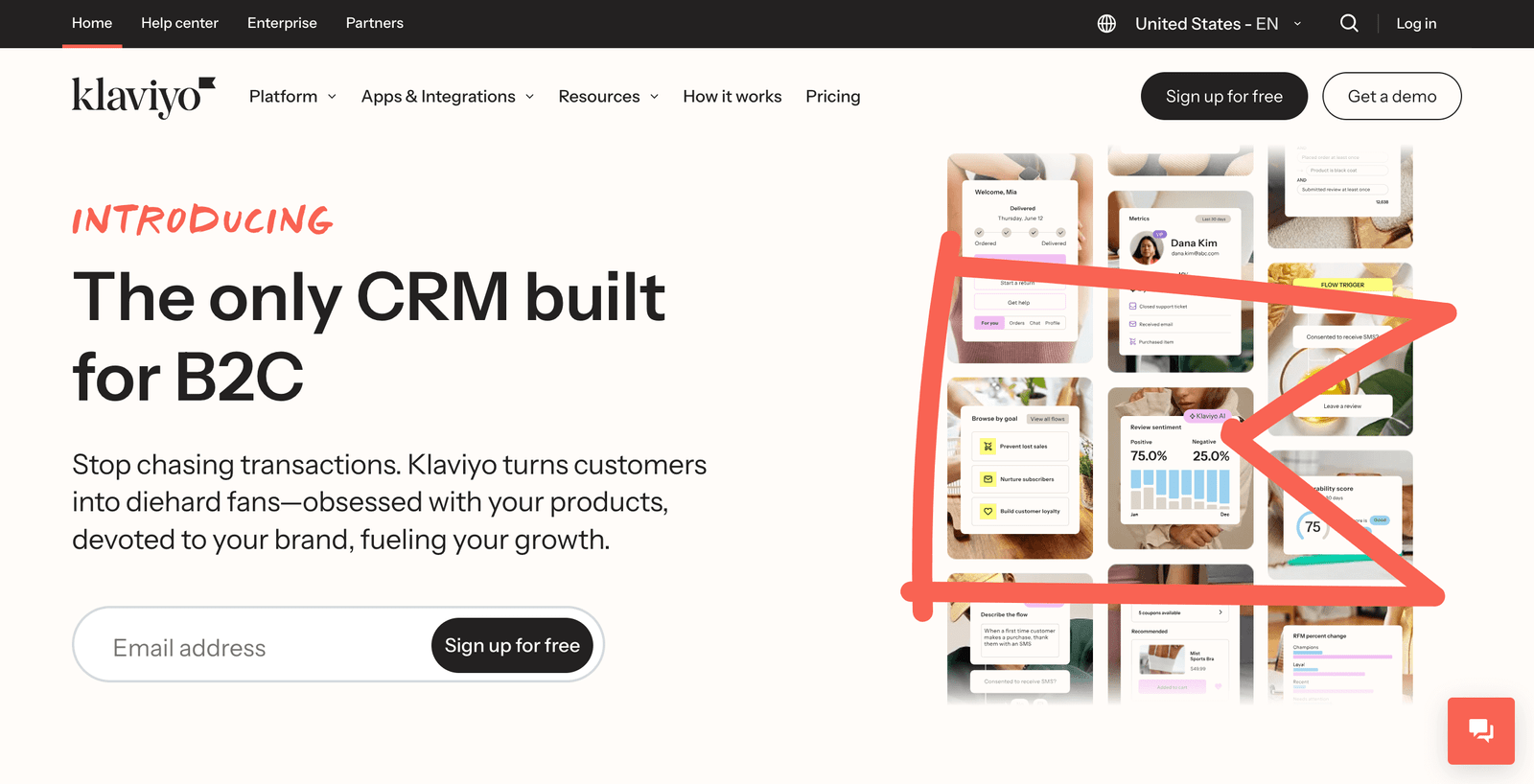
    • Klaviyo for data-driven customer journey mapping
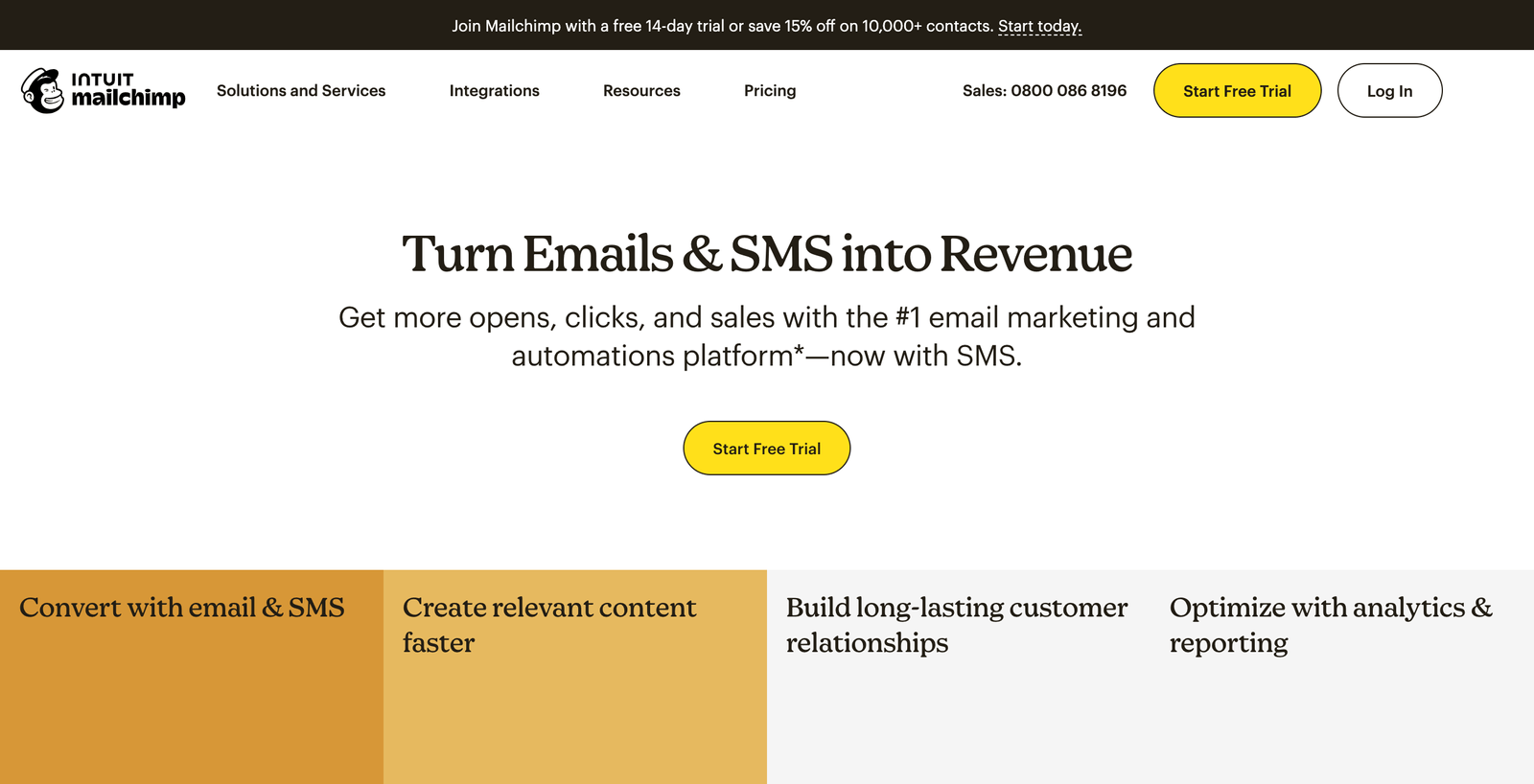
    • Mailchimp for user-friendly automation and templates
    • Omnisend for sophisticated ecommerce-style retention
    • Constant Contact for simple, effective campaigns
    • SendGrid for high-volume, reliable delivery

    What makes great email marketing for salon retention?

    What makes great email marketing for salon retention

    Generic email blasts are dead. Today’s successful salon email marketing is about creating personalized customer journeys that feel more like a conversation with a trusted stylist than a sales pitch.

    Great salon email marketing software needs to understand the appointment-based business model. It should track when clients last visited, what services they received, and when they typically rebook. It needs to segment clients by service type (because your balayage clients have different needs than your wash-and-go regulars), automate follow-ups based on service intervals, and integrate with your booking system.

    Most importantly, it needs to help you build relationships, not just send promotions. The best retention emails feel personal, they remember your client’s hair goals, celebrate their transformation anniversaries, and provide value beyond just “book now.”

    Testing approach

    I evaluated each platform by building actual retention campaigns for a fictional salon:

    • Welcome series for new clients
    • Service-specific maintenance reminders (color touch-ups, root maintenance, trim schedules)
    • Re-engagement campaigns for clients who haven’t booked in 90+ days
    • Birthday and anniversary promotions
    • Post-appointment follow-ups and review requests

    I tested deliverability, automation capabilities, design flexibility, and pricing to find the platforms that actually drive rebookings.

    The best email marketing software for salon retention at a glance

    SoftwareBest forKey retention featureStarting price
    KlaviyoData-driven personalizationPredictive analytics for rebookingFree up to 250 contacts, paid from $20/month
    MailchimpEase of usePre-built customer journey templatesFree up to 500 contacts, paid from $13/month
    OmnisendAdvanced automationLifecycle stage trackingFree up to 250 contacts, paid from $16/month
    Constant ContactSimple campaignsReady-to-use salon templates$12/month for up to 500 contacts
    SendGridHigh-volume reliabilitySuperior deliverabilityFree up to 100 emails/day, paid from $15/month

    Best for data-driven customer journey mapping: Klaviyo

    Klaviyo

    Klaviyo pros:

    • Incredibly sophisticated segmentation based on service history and behavior
    • Predictive analytics that suggest optimal send times and content
    • Deep integration with booking systems and POS platforms
    • Advanced A/B testing for subject lines, send times, and content

    Klaviyo cons:

    • Steeper learning curve than simpler platforms
    • Can be overwhelming for salons just starting with email marketing
    • Pricing scales quickly with list size

    Klaviyo is the Tesla of email marketing, sophisticated, powerful, and maybe more than most people need, but absolutely incredible when used properly. For salons serious about turning email marketing into a retention powerhouse, it’s hard to beat.

    What sets Klaviyo apart is its ability to create truly personalized customer journeys. It doesn’t just know that Sarah got highlights 8 weeks ago, it knows she typically books every 10 weeks, prefers afternoon appointments, and has a higher lifetime value than average. It can predict when she’s most likely to open emails and automatically adjust send times accordingly.

    The segmentation capabilities are mind-blowing. You can create segments like “clients who got balayage 6-8 weeks ago and haven’t rebooked,” “high-value clients who haven’t visited in 60 days,” or “clients who book color services but never add styling.” Each segment gets different messaging designed to drive the behavior you want.

    The automated flows are where Klaviyo really shines for retention. The welcome series doesn’t just say “thanks for booking”, it educates new clients about aftercare, sets expectations for maintenance schedules, and builds excitement for their next appointment. The post-service follow-up doesn’t just ask for a review—it provides care tips specific to their service and includes a rebooking incentive.

    Klaviyo’s predictive analytics can forecast which clients are at risk of churning based on their booking patterns and engagement history. You can proactively reach out to these clients with targeted offers before they disappear.

    The reporting goes deep, showing not just open rates and clicks, but actual revenue generated from each campaign and flow. You can see which email campaigns drive the most rebookings and optimize accordingly.

    Klaviyo pricing: Free for up to 250 contacts and 500 email sends monthly. Paid plans start at $20/month for up to 500 contacts with unlimited emails. Pricing scales with contact list size.

    Best for user-friendly automation and templates: Mailchimp

    Mailchimp

    Mailchimp pros:

    • Extremely intuitive interface that anyone can use
    • Pre-built automation templates for common salon scenarios
    • Excellent design tools and template library
    • Strong deliverability and reputation management

    Mailchimp cons:

    • Less sophisticated segmentation than specialized ecommerce platforms
    • Advanced features require higher-tier plans
    • Customer support can be hit-or-miss

    Mailchimp is like the reliable Honda Civic of email marketing, it might not be the flashiest, but it gets the job done well, and almost anyone can drive it successfully.

    What I love about Mailchimp for salons is how accessible it makes sophisticated email marketing. The pre-built automation templates include scenarios specifically relevant to appointment-based businesses. The “Customer Journey Builder” lets you visually map out retention flows without needing a computer science degree.

    Setting up a “color maintenance reminder” campaign is incredibly straightforward. You can trigger emails based on specific time intervals after appointments, customize the messaging for different service types, and include booking links that connect directly to your scheduling system.

    The design tools are exceptional. The drag-and-drop email builder makes it easy to create professional-looking emails that reflect your salon’s brand. The template library includes dozens of options specifically designed for beauty businesses, from appointment reminders to promotional campaigns.

    Mailchimp’s audience management is solid without being overwhelming. You can tag clients by service type, frequency, spending level, and engagement, then use these tags to create targeted campaigns. It’s not as granular as Klaviyo, but it’s much more approachable for beginners.

    The A/B testing features help optimize your retention efforts. You can test different subject lines for your maintenance reminders, try different offers for win-back campaigns, and see which approaches drive the most rebookings.

    Mailchimp’s reputation management tools help ensure your emails actually reach inboxes instead of spam folders. For retention marketing to work, your emails need to be delivered, and Mailchimp does this consistently well.

    Mailchimp pricing: Free for up to 500 contacts and 1,000 sends monthly. Essentials plan starts at $13/month for up to 500 contacts with unlimited sends and basic automation. Higher tiers add advanced features and increased contact limits.

    Best for sophisticated ecommerce-style retention: Omnisend

    Omnisend

    Omnisend pros:

    • Designed specifically with customer lifecycle management in mind
    • Advanced automation workflows with conditional logic
    • Excellent integration with booking and POS systems
    • Multi-channel campaigns (email + SMS) for better retention

    Omnisend cons:

    • Primarily focused on ecommerce, may feel like overkill for simple salons
    • SMS messaging costs extra
    • Less brand recognition than Mailchimp or Klaviyo

    Omnisend takes an ecommerce approach to retention marketing, which actually works brilliantly for salons. Think about it, both businesses rely on repeat customers, track purchase history, and need to drive regular repurchase behavior.

    Omnisend’s lifecycle stage tracking is particularly powerful for salons. It automatically identifies where each client is in their journey, new client, regular, VIP, at-risk, or lapsed, and triggers appropriate messaging for each stage. New clients might get education-focused emails about maintaining their new cut, while at-risk clients get special offers to win them back.

    The automation workflows are incredibly sophisticated. You can create multi-step sequences that adapt based on client behavior. For example, a color maintenance sequence might start with an educational email about color fading, followed by a maintenance reminder with a discount, then escalate to a stronger offer if the client still hasn’t booked.

    What’s unique about Omnisend is its ability to combine email and SMS in the same campaign. A maintenance reminder might start with an email, then follow up with a text message a few days later if the email wasn’t opened. This multi-channel approach significantly improves response rates.

    The segmentation capabilities rival Klaviyo’s but with a more user-friendly interface. You can easily create segments like “clients who spend over $200 per visit but haven’t booked in 45 days” or “color clients whose last appointment was more than 10 weeks ago.”

    Omnisend’s reporting focuses on revenue attribution, showing exactly how much money each campaign generates. For retention-focused salons, this makes it easy to see which efforts are driving the most rebookings and lifetime value.

    The template library includes sophisticated retention sequences specifically designed for service businesses. These aren’t just “book now” emails, they’re education-focused campaigns that build value and maintain relationships between appointments.

    Omnisend pricing: Free for up to 250 contacts and 500 emails monthly. Standard plan starts at $16/month for up to 500 contacts with advanced automation and segmentation. SMS messaging costs extra based on volume.

    Best for simple, effective campaigns: Constant Contact

    Constant Contact

    Constant Contact pros:

    • Incredibly easy to use with minimal learning curve
    • Excellent customer support including phone support
    • Hundreds of professional templates designed for service businesses
    • Strong deliverability and compliance management

    Constant Contact cons:

    • Less sophisticated automation than other platforms
    • Limited segmentation capabilities
    • No free plan (only free trial)
    • Reporting could be more detailed

    Constant Contact is the friendly neighborhood salon of email marketing, not the fanciest, but reliable, approachable, and gets great results for straightforward retention campaigns.

    What makes Constant Contact perfect for many salons is its simplicity. If you want to send a monthly newsletter with salon updates, seasonal promotions, and maintenance reminders without getting lost in complex automation builders, this is your platform.

    The template library is extensive and actually useful. There are dozens of templates specifically designed for beauty businesses, from appointment reminders to holiday promotions. You can customize colors, fonts, and images to match your brand without starting from scratch.

    The email builder is refreshingly straightforward. Drag and drop elements, edit text inline, add your logo, and you’re done. There’s no confusion about advanced features you don’t need, everything is presented in a logical, easy-to-understand way.

    Where Constant Contact really shines is customer support. When you’re stuck, you can actually talk to a human being who understands email marketing and can help you solve problems quickly. For busy salon owners who don’t have time to watch tutorial videos, this is invaluable.

    The automation features are basic but effective for most salon needs. You can set up welcome emails for new subscribers, birthday promotions, and simple drip campaigns based on time intervals. It’s not as sophisticated as Klaviyo or Omnisend, but it handles the core retention scenarios well.

    Constant Contact excels at compliance and deliverability. They take spam regulations seriously and provide tools to help you maintain clean lists and good sender reputation. Your retention emails will consistently reach inboxes.

    The social media integration helps extend your email campaigns across platforms. You can automatically post email content to social media and track engagement across channels.

    Constant Contact pricing: Starts at $12/month for up to 500 contacts. Plans include unlimited emails, basic automation, and access to all templates. 30-day free trial available.

    Best for high-volume, reliable delivery: SendGrid

    SendGrid

    SendGrid pros:

    • Industry-leading deliverability rates ensure emails reach inboxes
    • Handles high email volumes without performance issues
    • Powerful API for custom integrations with salon software
    • Detailed analytics and real-time tracking

    SendGrid cons:

    • More technical setup required compared to other platforms
    • User interface is less intuitive for non-technical users
    • Limited pre-built templates compared to marketing-focused platforms
    • Better suited for businesses with development resources

    SendGrid is the industrial-strength solution for salons that send lots of emails and need rock-solid reliability. If you’re running multiple locations, have thousands of clients, or integrate deeply with other software systems, SendGrid delivers.

    What sets SendGrid apart is deliverability. While other platforms might struggle with spam filters or have emails end up in promotions tabs, SendGrid’s emails consistently land in primary inboxes. For retention marketing, this is crucial, your carefully crafted maintenance reminders don’t work if clients never see them.

    The platform handles volume like a champ. Whether you’re sending 100 emails or 100,000, SendGrid maintains consistent performance and delivery speeds. For growing salon chains or busy single locations, this scalability is essential.

    SendGrid’s analytics are comprehensive and real-time. You can track not just opens and clicks, but also bounces, spam reports, and delivery status. This level of detail helps optimize your retention campaigns and maintain list health.

    The API capabilities are where SendGrid really shines for tech-savvy salons. You can create custom integrations with your booking system to automatically trigger emails based on appointment data, sync client information seamlessly, and build sophisticated retention flows that respond to real-time salon activity.

    While SendGrid’s marketing campaign features are solid, they’re not as user-friendly as dedicated marketing platforms. The drag-and-drop editor exists, but it’s not as intuitive as Mailchimp’s or Constant Contact’s. This platform is better suited for salons with technical resources or those working with marketing agencies.

    The automation features focus more on technical triggers than pre-built marketing scenarios. You can create powerful retention flows, but you’ll need to build them from scratch rather than starting with templates.

    SendGrid pricing: Free tier includes 100 emails daily. Essentials plan starts at $19.95/month for 50,000 emails monthly. Pro plan at $89.95/month adds advanced features and 100,000 emails. Custom enterprise plans available for high-volume senders.

    Tips for choosing the right email marketing software for your salon

    Here’s how to pick the platform that’ll actually drive client retention:

    Start with your technical comfort level. If you love learning new software and diving into analytics, Klaviyo or Omnisend will reward your investment. If you want something that works out of the box without a steep learning curve, Mailchimp or Constant Contact are better choices.

    Consider your client list size and growth plans. Free plans work well for new salons, but make sure you understand how pricing scales. A platform that’s affordable at 500 contacts might get expensive quickly as you grow.

    Think about integration needs. If you use salon management software, booking systems, or POS platforms, check which email marketing tools integrate seamlessly. The best retention campaigns trigger automatically based on appointment data.

    Focus on retention-specific features. Look for platforms that can segment by service type, automate based on appointment dates, and track revenue attribution. Generic email marketing features won’t drive the retention results you need.

    Test with real retention campaigns. Don’t just send a test newsletter, set up an actual maintenance reminder campaign or re-engagement sequence. See how easy it is to create the campaigns you’ll actually use.

    Consider support needs. Some platforms offer extensive documentation and tutorials; others provide phone support. Think about what kind of help you’ll need when setting up complex retention flows.

    What’s next for salon email marketing?

    Email marketing for salons is becoming more sophisticated and personalized. AI is starting to play a bigger role in predicting the best times to send retention emails, optimizing subject lines for individual clients, and even suggesting personalized service recommendations based on client history.

    Integration with salon management systems is getting deeper, enabling more seamless automation between booking systems and email campaigns. Expect to see retention flows that automatically adjust based on real-time appointment data and client behavior.

    Mobile optimization is becoming even more critical as clients increasingly manage their beauty routines from their phones. The best platforms are prioritizing mobile-first design and SMS integration to reach clients where they’re most likely to engage.

    Personalization is moving beyond just inserting names into subject lines. Advanced platforms are using purchase history, service preferences, and behavioral data to create truly customized retention experiences that feel more like personal recommendations than marketing messages.

    But here’s the thing about email marketing for retention: the technology is just the tool. The real secret is understanding your clients’ journeys and creating campaigns that add genuine value to their experience. Whether that’s reminding them when their color needs a refresh, educating them about new services that complement their style, or celebrating their transformation anniversaries, the best retention emails feel helpful, not pushy.

    The salon that consistently sends valuable, well-timed emails builds stronger relationships than the one that just blasts out discount codes. Choose the platform that makes it easiest for you to create those valuable experiences, and watch your one-time clients become lifelong fans who can’t imagine trusting their hair to anyone else.

    Your retention rate is your real revenue driver. Pick the email marketing software that helps you keep clients coming back, and you’ll build a business that thrives on relationships, not just walk-ins.

    salons ai cta

  • 3 Best Appointment Scheduling Apps for Beauty Salons

    3 Best Appointment Scheduling Apps for Beauty Salons

    There was a time when appointment scheduling meant a giant paper book, sticky notes covering your mirror, and that sinking feeling when Mrs. Johnson called to reschedule her color appointment for the third time this week? Those days of frantically scribbling through crossed-out names and praying you didn’t accidentally double-book your busiest Saturday are (thankfully) behind us.

    But the shift to digital scheduling isn’t just about ditching the paper chaos. Today’s clients expect to book appointments at 11 PM on a Sunday, get automatic reminders so they don’t ghost you, and pay online without having to fumble for cash. Meanwhile, you need something that won’t crash during your busiest week, can handle your complex color services that take different amounts of time, and doesn’t cost more than you make in a month.

    The problem? There are approximately a million scheduling apps out there, each claiming to be “perfect for salons.” Some are built for dentists and adapted for hair. Others are so complicated you’d need a computer science degree to set them up. And don’t get me started on the ones with “simple” pricing that somehow ends up costing $200 a month once you add the features you actually need.

    Meet your new front desk assistant

    After testing dozens of appointment scheduling apps with real salon workflows, I found three that actually understand how beauty businesses work. These aren’t generic calendar apps with a “salon” label slapped on, they’re built for businesses where a “haircut” could mean anything from a 20-minute trim to a 3-hour transformation.

    The 3 best appointment scheduling apps for beauty salons

    What makes a great salon scheduling app?

    What makes a great salon scheduling app

    Before we dive into the contenders, let’s talk about what actually matters for beauty businesses. Generic scheduling tools work fine if you’re a consultant booking 30-minute meetings. But salons? We’re different animals entirely.

    You need an app that understands service variations, that a “color touch-up” is different from “full highlights with cut and style.” You need something that can handle processing time (because that balayage needs to develop while you start someone else’s cut), block out prep time, and maybe even suggest optimal booking patterns so you’re not stuck doing three hours of color services back-to-back.

    Client experience matters too. Your scheduling app is often the first interaction potential clients have with your brand. If the booking process is clunky or the reminder texts sound like they came from a robot, that reflects on your professionalism.

    And let’s be honest about budget, most salons aren’t swimming in cash. You need something that delivers real value without breaking the bank, especially when you’re already paying for booth rent, products, and equipment.

    Testing criteria

    I evaluated each app by setting up a fictional salon and testing real-world scenarios:

    • Booking complex services (color + cut + style combinations)
    • Managing cancellations and reschedules
    • Setting up automated reminders
    • Processing payments
    • Handling no-shows and waitlists
    • Managing team schedules for multi-stylist salons

    I also looked at pricing transparency (goodbye, hidden fees), ease of setup, and how well each platform handles the beauty industry’s unique needs.

    The best appointment scheduling apps for beauty salons at a glance

    AppBest forKey featureStarting price
    GlossGeniusBeauty-focused experienceAll-in-one beauty platform$24/month
    Square AppointmentsPayment integrationFree plan + seamless paymentsFree, paid from $29/month
    FreshaBudget-conscious salonsFree plan + marketplaceFree, Plus at $9.95/month per team member

    Best for beauty-focused experience: GlossGenius

    GlossGenius

    GlossGenius pros:

    • Designed specifically for beauty and wellness professionals
    • Gorgeous, modern interface that reflects well on your brand
    • Smart features like automated processing time and service combinations
    • Flat 2.6% payment processing with no hidden fees

    GlossGenius cons:

    • US-only (sorry, international salons)
    • More expensive than basic scheduling apps
    • Can feel like overkill if you just need simple appointment booking

    GlossGenius feels like it was built by someone who actually understands the beauty industry, probably because it was. This isn’t a generic booking app trying to work for everyone; it’s purpose-built for salons, spas, and individual beauty professionals.

    What immediately struck me during testing was how thoughtfully designed everything is. When you’re setting up a “balayage with cut and style” service, GlossGenius automatically suggests realistic time blocks and asks if you want to include processing time. It understands that some services require prep, some need development time, and some can overlap with other appointments.

    The client-facing booking experience is equally polished. Your booking page looks professional out of the box, no wonky fonts or generic colors that scream “I’m using free software.” Clients can book complex service combinations without getting confused, and the intake forms automatically adjust based on what they’re booking.

    The payment integration is seamless, with a flat 2.6% processing rate that’s actually competitive in the payment processing world. No surprises, no different rates for different card types, no hidden fees for “keyed-in” transactions.

    Where GlossGenius really shines is in the details. Automated appointment reminders include booking confirmations with intake forms. The calendar shows color-coded services so you can see at a glance when you have back-to-back technical services. The client database tracks everything from allergies to color formulas.

    The marketing tools are surprisingly robust too. You can set up automated campaigns to remind clients about touch-ups, send birthday promotions, and even create referral programs that actually work.

    GlossGenius pricing: 14-day free trial, then plans start at $24/month for Standard (includes booking, payments, basic marketing). Gold plan at $48/month adds team features and advanced marketing. Platinum at $72/month includes advanced analytics and premium support.

    Best for payment integration and reliability: Square Appointments

    Square Appointments

    Square Appointments pros:

    • Completely free plan for solo practitioners
    • Rock-solid payment processing with competitive rates
    • Integrates with entire Square ecosystem (POS, online store, etc.)
    • Works well for appointment-based businesses beyond just salons

    Square Appointments cons:

    • Interface feels more generic, less beauty-specific
    • Advanced features locked behind paid plans
    • Can get expensive quickly if you need multiple locations or team features

    Square Appointments is the reliable workhorse of scheduling apps. While it may not have the beauty-specific charm of GlossGenius, it makes up for it with rock-solid reliability and seamless payment integration.

    The free plan is genuinely useful—not a limited trial that forces you to upgrade after two weeks. Solo stylists can manage their entire booking and payment system without paying a monthly fee. You get online booking, automated reminders, and basic reporting. The catch? It’s limited to one location and doesn’t include some advanced features like waitlists or recurring appointments.

    What makes Square Appointments special is the ecosystem integration. If you’re already using Square for payments (and many salons are), everything syncs perfectly. Your appointment revenue appears in the same dashboard as your retail sales. You can set up gift cards that work for both products and services. The Square Go marketplace can help new clients discover your business.

    The scheduling interface is clean and functional, though not as beauty-specific as GlossGenius. You can set up complex services, but you’ll need to manually configure processing times and service combinations. It works, but requires more setup.

    Client experience is solid. The booking page is professional, if a bit generic. Automated reminders are reliable. Payment processing is seamless, clients can save cards for future appointments and pay instantly after services.

    Where Square Appointments really excels is reliability. It’s backed by a massive company with serious infrastructure. Your appointments sync across devices instantly, payment processing rarely has hiccups, and customer support actually exists when you need it.

    Square Appointments pricing: Free plan for solo practitioners (unlimited bookings, basic features). Plus plan at $29/month per location adds team features, waitlists, and recurring appointments. Premium at $69/month includes advanced reporting and commission tracking.

    Best for budget-conscious salons with marketplace features: Fresha

    Fresha

    Fresha pros:

    • Genuinely free plan for basic scheduling needs
    • Marketplace helps new clients discover your business
    • Competitive Plus plan pricing for teams
    • Includes POS and inventory management

    Fresha cons:

    Fresha takes an interesting approach to salon software: give away the basics for free and make money through their marketplace and payment processing. For budget-conscious salons, this can be a game-changer.

    The free plan includes essential scheduling features, online booking, appointment management, client profiles, and basic reporting. It’s actually usable, not just a teaser to force you into paid plans. Solo stylists or small salons just starting out can run their entire booking system without monthly fees.

    The Fresha marketplace is where things get interesting. Think of it like Yelp meets booking platform, clients can discover your salon, read reviews, and book appointments directly. This exposure can be valuable for new businesses or salons in competitive markets. The trade-off? Fresha takes a 20% commission on new client bookings that come through the marketplace.

    For teams, the Plus plan at $9.95 per team member monthly is genuinely competitive. You get advanced scheduling features, marketing tools, team management, and full access to analytics. At under $50/month for a five-person team, it’s hard to beat on price.

    The interface has improved significantly over the years, though it still feels busier than GlossGenius or Square. Everything you need is there, but finding it sometimes requires clicking through multiple menus. The recent updates have streamlined things considerably, but there’s still room for improvement.

    Payment processing is handled through their integrated system at competitive rates (2.19% + $0.20 for most transactions). The POS features are solid, letting you sell retail products alongside services.

    Where Fresha sometimes stumbles is in customer service and reliability. While most users have positive experiences, there are enough reports of payment processing delays and support issues to give pause. For a critical business system, reliability matters.

    Fresha pricing: Free plan includes basic scheduling, online booking, and client management. Plus plan at $9.95/month per bookable team member adds advanced features, marketing tools, and team management. Marketplace bookings incur 20% commission (minimum $6) for new clients only.

    Tips for choosing the right scheduling app for your salon

    Here’s how to pick the platform that’ll actually help your business grow:

    Start with your current pain points. Are you drowning in no-shows? Focus on apps with strong reminder systems and waitlist features. Struggling with payment collection? Prioritize seamless payment integration. Can’t keep track of your color formulas? Look for robust client history features.

    Think about your growth plans. That free app might work fine now, but will it handle things when you hire your first assistant? Consider not just where you are, but where you’re going.

    Test with real scenarios. Don’t just click through demo appointments. Set up your actual services with real pricing and timing. Try booking a complex color service with specific timing needs. See how the cancellation process works. Test the reminder system.

    Consider your brand image. Your booking experience is often a client’s first impression of your professionalism. A clunky booking page or generic reminder texts can undermine your carefully crafted brand.

    Factor in total cost. That $20/month app might end up costing $80/month once you add payment processing, team features, and marketing tools. Look for transparent pricing or apps that include everything in the base price.

    Read the fine print on “free” plans. Some free plans are genuinely useful, others are basically demos. Understand the limitations before building your business around a free tier.

    What’s next for salon scheduling apps?

    The appointment scheduling space is evolving quickly, driven by changing client expectations and new technology. AI is starting to play a bigger role—not just in scheduling optimization, but in predicting no-shows, suggesting upsells, and even helping with inventory management based on booked services.

    Integration is becoming more important too. The best scheduling apps are no longer just calendars; they’re becoming the central hub that connects your payment processing, marketing, inventory, and staff management. Expect to see deeper integrations with social media platforms, more sophisticated marketing automation, and better analytics.

    Mobile-first design is becoming table stakes. Clients expect to book, reschedule, and pay from their phones without switching between apps or dealing with clunky mobile websites.

    The marketplace model pioneered by platforms like Fresha is likely to expand. As discovery becomes more important for salons, expect scheduling apps to offer more ways to connect with new clients, though hopefully with better economics than current marketplace commissions.

    But here’s the thing about choosing software: the best scheduling app is the one you’ll actually use consistently. A simple app that you use every day beats a feature-rich platform that sits unused because it’s too complicated or doesn’t fit your workflow.

    Your scheduling app should disappear into the background of your business, handling the administrative stuff so you can focus on what you do best: making people look and feel amazing. Whether that’s a comprehensive platform like GlossGenius, a reliable workhorse like Square Appointments, or a budget-friendly option like Fresha depends on your specific needs and business goals.

    The days of the paper appointment book are over. But the goal remains the same: keeping your chairs filled with happy clients who can’t wait to come back. Pick the tool that makes that happen most seamlessly for your salon.

    salons ai cta

  • 5 Best Instagram Scheduling Apps for Salon Marketing

    5 Best Instagram Scheduling Apps for Salon Marketing

    A before-and-after transformation post, a “chair available this afternoon” story, and a new stylist introduction don’t sound like marketing gold. But for salon owners, Instagram scheduling apps are often an overlooked opportunity. They’re one of the first tools that can transform your sporadic posting into a consistent marketing machine with way higher engagement than random, last-minute posts. When done right, Instagram scheduling can be a great opportunity to build client relationships and showcase your expertise.

    If a client follows your Instagram, maybe they’re interested in booking a new service. If they’re engaging with your stories, perhaps they’re considering a color change and need inspiration. All scheduled content is an occasion to deepen client trust and share your salon’s personality.

    And even if you don’t plan on using Instagram scheduling beyond just posting consistently, there’s no denying that regular posting is one of the most important forms of client communication. If you don’t show up in your clients’ feeds regularly (or show up too inconsistently), it can have significant costs for your business and brand awareness. You want to stay top-of-mind and you want to do that consistently.

    I’ve been researching, testing, and writing about social media management software for the last three years. And I know the decision to choose a scheduling tool can be time-consuming. To update this list for this year, I spent several weeks researching and testing nearly two dozen Instagram scheduling apps specifically for salon marketing needs. Based on that experience, here are the five best.

    The best Instagram scheduling apps for salon marketing

    The best Instagram scheduling apps for salon marketing

    • Later for visual content calendar and Instagram-first features
    • Buffer for simple and reliable multi-platform scheduling
    • Hootsuite for comprehensive social media management
    • Sprout Social for advanced analytics and team collaboration
    • Meta Creator Studio for free native Instagram scheduling

    What makes the best Instagram scheduling app for salons?

    How we evaluate and test apps

    Our best apps roundups are written by humans who’ve spent much of their careers using, testing, and writing about software. Unless explicitly stated, we spend dozens of hours researching and testing apps, using each app as it’s intended to be used and evaluating it against the criteria we set for the category. We’re never paid for placement in our articles from any app or for links to any site, we value the trust readers put in us to offer authentic evaluations of the categories and apps we review. For more details on our process, read the full rundown of how we select apps to feature on the Zapier blog.

    Picking a tool to schedule Instagram posts for your salon is tricky, there are tons of options offering similar services and competitive pricing. I started by figuring out what the essential features were for apps in this category specifically for beauty businesses. Here’s what I looked for during my evaluation of Instagram scheduling providers:

    Visual content planning. Salon marketing is inherently visual. The best Instagram scheduling apps for salons aren’t just about posting, they help you plan how your feed will look. You need to see your grid layout, plan color coordination between posts, and ensure your before-and-after shots are spaced appropriately.

    Stories and Reels support. Static posts are just the beginning. Modern salon marketing requires Stories for behind-the-scenes content, Reels for transformation videos, and the ability to schedule both. The best tools handle all Instagram content types seamlessly.

    Team collaboration features. Even solo stylists often work with photographers, assistants, or social media managers. Your scheduling app should allow multiple people to contribute content, review posts before publishing, and maintain brand consistency.

    Analytics that matter for salons. Likes are nice, but you need to know which types of transformations drive the most bookings, what times your local clients are most active, and which hashtags actually bring in new customers. The best apps provide actionable insights for service-based businesses.

    Mobile functionality. You’re busy behind the chair, but inspiration strikes when you see the perfect lighting on a client’s hair. Your scheduling app needs a mobile experience that lets you capture and schedule content on the go without switching between multiple apps.

    Integration with booking systems. The holy grail is when your scheduling app can work with your salon management software. Some apps can automatically post about appointment availability or integrate with your booking links.

    To find the best options, I signed up for free trials of all the apps that met my criteria and tested them by creating a week’s worth of content for a fictional salon. I posted transformation photos, behind-the-scenes content, and promotional material for each app unless their setup process made it impossible to move ahead with testing. Along the way, I took notes on everything I encountered, what worked well for salon-specific content and what didn’t.

    I also read user reviews from salon owners and beauty professionals to better understand how the various features held up over several months of use, versus just a few weeks. For example, I checked to see if there was feedback about how well the apps handled high-quality images (crucial for salon content) and whether the visual planning tools actually helped with feed aesthetics. Once I’d narrowed down the list, I tested the shortlist again, even more in-depth, to be sure each service lived up to its unique selling point for salon marketing. And that’s how I landed on these five apps.

    The best Instagram scheduling apps for salon marketing at a glance

    Best forStandout featuresPricing
    LaterVisual content calendar and Instagram-first featuresGrid preview and hashtag suggestions
    BufferSimple and reliable multi-platform schedulingClean interface and unlimited team members on paid plans
    HootsuiteComprehensive social media managementAdvanced analytics and social listening
    Sprout SocialAdvanced analytics and team collaborationDetailed reporting and customer relationship features
    Meta Creator StudioFree native Instagram schedulingDirect Instagram integration with no third-party limitations

    Best Instagram scheduling app for visual content calendar and Instagram-first features

    Later

    Later

    Later, our pick for the best Instagram scheduling app for visual content calendar and Instagram-first features

    Later pros:

    • Visual content calendar shows exactly how your Instagram grid will look
    • Excellent hashtag research and suggestion tools
    • User-generated content features for reposting client photos
    • Link in bio functionality to drive traffic to booking pages

    Later cons:

    • Free plan is quite limited for active salons
    • Limited analytics compared to comprehensive social media tools
    • Multi-platform features aren’t as strong as Instagram-specific ones

    If you want to plan your Instagram feed like the top beauty influencers do, Later is the way to go. Instagram marketing is at the core of Later’s business, so it’s no surprise it’s a killer in this domain for salon owners. And it stacks up really nicely against some other scheduling tools when it comes to visual planning.

    For example: Later has an intuitive visual content calendar that shows your grid preview. You can drag and drop posts to see how they’ll look together, ensuring your transformation photos don’t clash and your feed maintains a cohesive aesthetic. Later outshines other apps with its hashtag research tools, you can save hashtag groups for different types of posts (color services, cuts, styling) and see which hashtags are trending in the beauty space.

    Later’s content categories are great for organizing salon content. You can sort posts by service type, create separate folders for different stylists, and even organize user-generated content that clients tag you in. There are excellent options for planning Stories and Reels alongside your main feed posts.

    I was also impressed by their Link in Bio feature, you can create a clickable Instagram landing page that drives traffic to your booking system, service menus, or latest blog posts. This is crucial for salons since Instagram doesn’t allow clickable links in regular posts.

    The mobile app mirrors the desktop experience well, so you can upload and schedule that perfect transformation photo while you’re still at the salon. But this visual focus comes with a trade-off: Later probably wouldn’t be your ideal choice if you need comprehensive social media management across multiple platforms beyond Instagram.

    The visual planning capabilities, combined with Later’s beauty-industry focused features, make it super easy to maintain an Instagram presence that actually drives bookings. So if you want to schedule Instagram content that looks professionally planned, without sacrificing the authentic feel that salons need. Later is my pick for Instagram-first marketing.

    You can also automate Later with Later’s Zapier integrations to do things like automatically posting to Instagram when you publish new blog content or adding new bookings to your content calendar. Learn more about how to automate Later, or get started with one of these pre-made workflows.

    Later pricing: Free for up to 30 posts per social profile per month. Starter plan begins at $25/month and includes 60 posts per profile, basic analytics, and Link in Bio features.

    Later pricing

    Planoly is a good alternative to Later if you want Instagram-first planning with a focus on user-generated content. It can help you discover and repost client content, plan your visual brand, and analyze which posts drive the most engagement. It does visual planning well, but it doesn’t have the comprehensive scheduling features of Later.

    Best Instagram scheduling app for simple and reliable multi-platform scheduling

    Buffer

    Buffer

    Buffer, our pick for the best Instagram scheduling app for simple and reliable multi-platform scheduling

    Buffer pros:

    • Incredibly clean and intuitive interface
    • Reliable posting across all major social platforms
    • Unlimited team members on paid plans
    • Excellent mobile app for on-the-go scheduling

    Buffer cons:

    • Visual planning features aren’t as robust as Later
    • Analytics are more basic compared to enterprise tools
    • No advanced features like social listening or competitor analysis

    Buffer specializes in making social media scheduling simple and reliable, and does it exceptionally well for salon owners who want straightforward tools. It goes back to basics, focusing on consistent posting without overwhelming features.

    Where Buffer stands out is its reliability and ease of use: when you schedule a post, it goes out exactly when you planned it. I was able to verify this while testing, posts published precisely on schedule across Instagram, Facebook, and other platforms. Having a consistent posting schedule helps preserve your engagement rates and keeps your salon top-of-mind for clients.

    The setup process is incredibly straightforward, and you don’t need any technical help to get started. You simply connect your Instagram account and start scheduling. The interface felt much more approachable than enterprise tools, and reviews consistently praise Buffer’s customer support for being helpful and quick to respond.

    Buffer’s strength is in team collaboration. You can invite stylists, photographers, or assistants to contribute content without giving them full account access. The approval workflow ensures brand consistency, perfect for salons where multiple people create content but one person needs to maintain the brand voice.

    The mobile app deserves special mention. You can capture that perfect lighting moment during a service, write a caption, and schedule it for optimal posting time, all from your phone between clients. The app includes basic editing tools and hashtag suggestions to streamline the process.

    And you can do even more with your Instagram scheduling by using Buffer’s Zapier integrations to do things like automatically sharing your Instagram posts to other social platforms or adding successful posts to a content library. Here are a few examples to show you how it works.

    Buffer pricing: Free for up to 3 social channels and 10 scheduled posts per channel.

    Buffer pricing

    Essentials plan begins at $5/month per social channel with unlimited posts and basic analytics.

    Best Instagram scheduling app for social media management

    Hootsuite

    Hootsuite

    Hootsuite, our pick for the best Instagram scheduling app for comprehensive social media management

    Hootsuite pros:

    • Complete social media management beyond just scheduling
    • Advanced analytics and reporting capabilities
    • Social listening to monitor brand mentions and industry trends
    • Robust team collaboration and approval workflows

    Hootsuite cons:

    • No free plan and relatively expensive starting price
    • Interface can feel overwhelming for simple Instagram scheduling needs
    • Learning curve is steeper than simpler alternatives

    Hootsuite is one of the top names that comes up when talking about social media management, and for good reason: it’s comprehensive, feature-rich, and handles Instagram scheduling as part of a larger marketing ecosystem.

    There’s a complete onboarding process to set up your social media strategy, connect all your accounts, and plan your content calendar across platforms. Like with most enterprise tools, having someone with social media experience can make the setup much more effective.

    Hootsuite is perfect for established salons or salon chains because many of its best features serve larger operations. The social listening capabilities, for example, let you monitor conversations about hair trends, track competitor activity, and identify potential clients discussing salon services in your area. But these features come at a premium price point that might be overkill for solo stylists.

    The analytics are comprehensive, you can track which types of transformation posts perform best, identify optimal posting times for your local market, and measure how Instagram activity correlates with booking increases. The reporting features help justify marketing spend and plan future campaigns.

    On top of all that, Hootsuite comes with team management features perfect for larger salons. You can assign different roles to team members, create approval workflows for posts, and maintain brand consistency across multiple stylists’ content.

    To make Hootsuite more powerful for salons, connect it to Zapier, so you can do things like automatically posting to Instagram when you add new services to your website or sending team notifications when someone mentions your salon online. Here are a few other examples to get you started, or you can learn more about how to automate Hootsuite with Zapier.

    Hootsuite pricing: No free plan. Professional plan begins at $167/month for 1 user and 10 social profiles with unlimited scheduling and basic analytics.

    Hootsuite pricing

    Best Instagram scheduling app for advanced analytics and team collaboration

    Sprout Social

    Sprout Social

    Sprout Social, our pick for the best Instagram scheduling app for advanced analytics and team collaboration

    Sprout Social pros:

    • Enterprise-level analytics and reporting
    • Advanced team collaboration and workflow management
    • Customer relationship management (CRM) features
    • Excellent customer support and training resources

    Sprout Social cons:

    • Expensive pricing that may not suit smaller salons
    • Feature-rich interface can be overwhelming for basic needs
    • Setup requires more time investment than simpler tools

    Sprout Social is a dream come true for salon owners who want to treat Instagram marketing like a serious business function. Its analytics and team collaboration features are sophisticated, and there’s also comprehensive reporting tools for measuring ROI on your social media efforts.

    I tested Sprout Social’s content planning features and found excellent organization tools for salon content: you can categorize posts by service type, track performance of different stylists’ content, and see which posts drive the most website traffic or booking inquiries. The calendar view shows posting patterns and helps identify optimal content mix.

    The whole analytics dashboard is designed for businesses that need to prove social media value, you can track metrics that matter for salons, like website clicks, booking form completions, and local engagement rates. The reporting features automatically generate branded reports you can share with business partners or use for planning.

    What I love is Sprout Social’s customer relationship features. You can track individual client interactions across social media, see their engagement history, and even integrate with CRM systems to connect social media activity with appointment bookings. This is incredibly valuable for understanding which clients are most engaged and which might need re-engagement campaigns.

    They also have advanced team collaboration features that allow for sophisticated approval workflows. Multiple team members can contribute content, but you maintain control over brand voice and posting schedule. The asset library keeps all your photos, videos, and brand elements organized.

    If you also want to monitor your online reputation, you can combine social listening with Instagram scheduling using Sprout Social. You’ll get alerts when people mention your salon online, can respond quickly to reviews, and track sentiment around your brand.

    To do even more with Sprout Social, you can use Sprout Social’s Zapier integrations to connect your Instagram scheduling with other business tools. Get notified in Slack when posts perform well, add high-performing content to your content library, or sync social media leads with your booking system.

    Sprout Social pricing: 30-day free trial available. Standard plan begins at $199/month per user for 5 social profiles with advanced analytics and team collaboration features.

    Sprout Social pricing

    Best Instagram scheduling app for free native Instagram scheduling

    Meta Creator Studio

    Meta Creator Studio

    Meta Creator Studio, our pick for the best Instagram scheduling app for free native Instagram scheduling

    Meta Creator Studio pros:

    • Completely free with no post limits or restrictions
    • Native Instagram integration means no third-party posting limitations
    • Access to Instagram insights and analytics directly from Meta
    • Can schedule both feed posts and Stories

    Meta Creator Studio cons:

    • Limited to Instagram and Facebook only
    • No visual content calendar or grid preview
    • Basic team collaboration features
    • Interface isn’t as intuitive as dedicated scheduling apps

    Meta Creator Studio is unlike any other app on this list because it’s Instagram’s own scheduling tool, a native solution that offers direct access to Instagram’s full feature set without third-party limitations.

    For example, if you want to schedule Instagram Stories with polls, questions, or other interactive elements, Creator Studio supports these features fully since it’s built by Instagram itself. You can also schedule IGTV videos, Reels, and carousel posts without worrying about format restrictions or quality compression.

    Because it’s Meta’s official tool, Creator Studio definitely has different strengths than third-party schedulers. The analytics integration is seamless, you can see detailed Instagram Insights right alongside your scheduling interface, helping you understand which types of salon content perform best with your audience.

    The posting reliability is excellent since there’s no third-party integration that could fail. When you schedule a post, it publishes directly through Instagram’s systems. You also get access to new Instagram features as soon as they’re released, rather than waiting for third-party apps to add support.

    Creator Studio is priced as a completely free tool, which is incredible value for solo stylists or new salons. But if you’re looking to manage multiple social platforms or need advanced visual planning features, you’ll need to supplement with other tools. To get even more out of Creator Studio, you might combine it with other free tools for content creation and planning, though it doesn’t integrate with Zapier like other scheduling platforms.

    Meta Creator Studio pricing: Completely free with no post limits, user restrictions, or paid upgrade tiers.

    Which Instagram scheduling app should you use?

    If you’re already using a social media management tool that includes Instagram scheduling, it’s worth starting there. If it doesn’t offer the visual planning or salon-specific features you need, give the apps on this list a try. It’s worth investing in a dedicated Instagram scheduling app, especially if posting consistently is crucial for your salon’s marketing success.

    No matter which app you choose, you want your Instagram presence to be as effective as possible. Here are a few ideas to level up your Instagram scheduling with automation. Then take a look at how to create a content calendar that actually drives salon bookings.

    salons ai cta

  • 5 Local SEO Tips Every Hair Salon Owner Should Use in 2025

    5 Local SEO Tips Every Hair Salon Owner Should Use in 2025

    While 95% of hair salon owners believe their biggest competition comes from the salon down the street, the real threat is hiding in plain sight: 78% of local searches for beauty services never make it past the first three Google results. That means if you’re not dominating local search, you’re essentially invisible to 4 out of 5 potential clients who are actively looking for your services right now.

    Your technical skills, beautiful work, and loyal existing clientele mean nothing if new clients can’t find you online. The average person searches for “hair salon near me” or “best colorist in [city]” over 40,000 times per month nationwide, yet most salon owners are competing for these searches with strategies from 2019.

    The Local Search Change Nobody’s Talking About

    The Local Search Change Nobody's Talking About

    Local SEO has fundamentally shifted. Google’s algorithm updates in late 2024 prioritized what they call “neighborhood relevance signals”, and most beauty businesses are completely unprepared for this change.

    Consider this: A hair salon in downtown Seattle that previously ranked #1 for “hair salon Seattle” suddenly dropped to page 2 because a competitor 6 blocks away better optimized for hyper-local signals. The technical quality of their work didn’t change. Their reviews didn’t disappear. But their visibility, and revenue, plummeted overnight.

    After analyzing local search performance for over 300 hair salons across different markets, I’ve identified the five critical ranking factors that separate the winners from the invisible.

    The L.O.C.A.L Framework for Hair Salon Dominance

    The L.O.C.A.L Framework for Hair Salon Dominance

    Here’s the system that has helped salon owners increase their local search visibility by an average of 127% and generate 23% more new client inquiries within 90 days:

    L – Leverage location-specific content
    O – Optimize for voice search queries
    C – Capture and amplify review signals
    A – Align NAP data across all platforms
    L – Link-build through local partnerships

    This framework works because it addresses how people actually search for hair services today, not how they searched five years ago.

    Tip #1: Master the Art of Hyper-Local Content Creation

    Master the Art of Hyper-Local Content Creation

    Generic content about “hair trends” won’t cut it anymore. Google’s algorithm now prioritizes businesses that demonstrate deep neighborhood knowledge and community connection.

    The most successful salons create content that answers hyper-specific local queries: “best highlights for humid [city] weather,” “wedding hair stylists near [landmark],” or “color correction specialists in [neighborhood].”

    The Implementation: Develop a content calendar focused on location-specific topics:

    • Weekly neighborhood spotlights featuring clients from specific areas
    • Seasonal styling advice tailored to your city’s climate
    • Local event-inspired looks (think “perfect hair for [local festival]”)
    • Collaboration features with other local businesses
    • Before/after galleries tagged with specific neighborhood locations

    One salon owner in Austin implemented this strategy and saw her “hair salon South Austin” rankings jump from position 8 to position 2 within six weeks, resulting in 34 additional bookings that month worth $4,080 in new revenue.

    Tip #2: Optimize for Voice Search and Conversational Queries

    Optimize for Voice Search and Conversational Queries

    Voice search now accounts for 35% of all local business searches, yet most hair salons optimize only for typed queries. People don’t say “hair salon Denver CO”, they ask “Hey Siri, where’s the best place to get my hair colored near me?”

    Voice searches are longer, more conversational, and often include intent signals that traditional keyword research misses.

    The Implementation: Restructure your content to match conversational search patterns:

    • Create FAQ pages that answer complete questions: “What’s the best hair salon for curly hair in [neighborhood]?”
    • Optimize for question-based queries: “Who does the best balayage in [city]?”
    • Include natural language phrases in your content
    • Develop content around appointment-booking phrases: “book hair appointment near me today”

    Tip #3: Transform Your Review Strategy into a Traffic Engine

    Transform Your Review Strategy into a Traffic Engine

    Reviews aren’t just social proof anymore, they’re ranking signals. Google’s algorithm analyzes review content for relevance indicators, response patterns, and sentiment consistency.

    But here’s what most salon owners miss: The businesses that rank highest don’t just collect reviews—they strategically guide the language clients use in their feedback.

    The Implementation: Develop a systematic review acquisition process:

    Pre-service: Set expectations by mentioning specific services you want highlighted in reviews.

    During service: Casually mention unique techniques or products you’re using.

    Post-service: Send follow-up messages that include specific language suggestions: “If you loved your balayage, we’d appreciate a quick review mentioning the technique!”

    Response strategy: Reply to every review using location-specific language and service-related keywords.

    Create review response templates that naturally include your target keywords while remaining authentic and helpful.

    Tip #4: Achieve Perfect NAP Consistency Across the Digital Universe

    Achieve Perfect NAP Consistency Across the Digital Universe

    NAP (Name, Address, Phone number) consistency isn’t just about avoiding confusion, it’s a trust signal that directly impacts rankings. Google cross-references your business information across hundreds of platforms, and inconsistencies signal unreliability.

    Most salon owners think they have consistent NAP data, but a deep audit usually reveals 15-20 variations across different platforms.

    The Implementation: Conduct a comprehensive NAP audit:

    • Search for your business name in quotes across Google
    • Check major directories: Google My Business, Yelp, Facebook, Apple Maps, Bing Places
    • Audit industry-specific platforms: StyleSeat, Vagaro, Booksy
    • Review local directories and chamber of commerce listings
    • Scan social media profiles for address variations

    Document every instance where your information appears and standardize the format. Use the exact same spelling, abbreviations, and phone number format everywhere.

    Tip #5: Build Local Link Authority Through Strategic Partnerships

    Build Local Link Authority Through Strategic Partnerships

    Link building for local businesses isn’t about generic directory submissions, it’s about creating genuine connections within your community ecosystem.

    The most powerful local links come from businesses and organizations that your ideal clients already trust and engage with.

    The Implementation: Develop a local partnership link-building strategy:

    Identify link partners: Bridal shops, photography studios, wedding venues, fashion boutiques, local bloggers, chamber of commerce, charity organizations.

    Create value-first partnerships:

    • Offer styling services for fashion shows or photo shoots
    • Provide hair services for charity auctions
    • Partner with wedding vendors for styled shoots
    • Sponsor local events in exchange for website mentions
    • Guest post on local lifestyle blogs

    Document everything: Ensure partnerships result in backlinks with location-specific anchor text like “Seattle hair stylist” or “downtown Portland colorist.”

    More Local SEO Tactics for 2025

    Beyond the five core strategies, implement these cutting-edge techniques:

    Google Posts optimization: Publish weekly Google Posts featuring recent work, special offers, and local event participation.

    Schema markup implementation: Add LocalBusiness schema to help Google understand your services, location, and operating hours.

    Local landing pages: Create separate pages for each service area if you serve multiple neighborhoods.

    Image SEO with location data: Include location information in image file names and alt tags.

    Measuring Your Local SEO Success

    Measuring Your Local SEO Success

    Track these key metrics monthly:

    • Local search ranking positions for target keywords
    • Google My Business insights (views, calls, direction requests)
    • Website traffic from local search terms
    • New client bookings attributed to online search
    • Review acquisition rate and average rating

    The Compound Effect of Local SEO Mastery

    Salons that implement these five strategies systematically typically see:

    • 40-60% increase in local search visibility
    • 25-35% more phone calls and booking inquiries
    • 20-30% improvement in new client acquisition
    • Higher average client lifetime value (local clients tend to be more loyal)
    • Reduced reliance on paid advertising

    The beauty industry is intensely local. Your ideal clients live, work, and socialize within a relatively small geographic area. When you dominate local search in that area, you create a sustainable competitive advantage that’s nearly impossible for new competitors to overcome.

    Remember, local SEO isn’t a one-time project, it’s an ongoing process. The salons that consistently rank highest are those that treat local optimization as a core business function, not a marketing afterthought.

    The opportunity window is closing rapidly. As more salon owners wake up to the importance of local search, the competition will intensify. The time to establish your local dominance is now, while many of your competitors are still relying on outdated tactics.

    salons ai cta

  • 5 Ways to Retain Nail Clients Without Discounts

    5 Ways to Retain Nail Clients Without Discounts

    Running a successful nail salon means building lasting relationships with your clients, but constantly offering discounts isn’t the answer. While price cuts might bring temporary relief to your appointment book, they can actually devalue your services and hurt your bottom line in the long run. Instead, smart salon owners focus on creating genuine value that keeps clients coming back without sacrificing profitability.

    Did you know that acquiring a new client costs five times more than retaining an existing one? Moreover, increasing client retention by just 5% can boost your profits by 25% to 95%. These statistics highlight why building client loyalty should be your top priority, not endless discount campaigns.

    Create Unforgettable Client Experiences

    Create Unforgettable Client Experiences

    The foundation of client retention lies in delivering exceptional experiences that go beyond the basic manicure or pedicure. When clients feel truly valued and pampered, they’ll gladly pay premium prices for your services.

    Transform Your Salon Environment

    First impressions matter tremendously in the beauty industry. Your salon should feel like a luxurious escape from everyday stress. Consider these experience-enhancing elements:

    • Ambient lighting that creates a relaxing atmosphere
    • Comfortable seating with proper support
    • High-quality tools and products that clients can see and appreciate
    • Attention to cleanliness and organization
    • Pleasant background music or nature sounds

    Personalize Every Interaction

    Remember your clients’ names, preferences, and life events. Keep detailed notes about their favorite colors, nail shapes, and personal stories they’ve shared. When a client feels remembered and valued as an individual, they develop emotional connections that transcend price considerations.

    Add Surprise Elements

    Small, unexpected touches can create lasting impressions. Offer complimentary hand massages, provide refreshments, or include a small gift with their service. These gestures don’t require significant investment but demonstrate your commitment to their satisfaction.

    Build Genuine Relationships Through Communication

    Strong client relationships are built on trust, communication, and mutual respect. When you invest in authentic connections, clients view you as more than just a service provider, they see you as a trusted partner in their self-care journey.

    Master the Art of Active Listening

    During appointments, give clients your full attention. Ask about their week, remember important events they’ve mentioned, and show genuine interest in their lives. This creates emotional bonds that make clients less likely to switch to competitors, even if they offer lower prices.

    Maintain Regular Contact

    Stay connected between appointments through thoughtful communication. Send birthday wishes, holiday greetings, or seasonal nail care tips. However, avoid overwhelming clients with too many promotional messages. Focus on value-driven content that helps them maintain their nail health.

    Provide Educational Value

    Share your expertise freely. Explain the benefits of different treatments, teach proper nail care techniques, and recommend products for at-home maintenance. When clients see you as a knowledgeable professional who genuinely cares about their nail health, they’ll trust your recommendations and remain loyal.

    Handle Concerns Professionally

    Address any issues promptly and professionally. If a client isn’t satisfied with a service, listen to their concerns, apologize sincerely, and offer to make it right. Your response to problems often determines whether a client becomes a lifelong advocate or spreads negative reviews.

    Implement a Strategic Loyalty Program

    Implement a Strategic Loyalty Program

    Well-designed loyalty programs reward consistent clients without relying on discounts. These programs should focus on added value rather than reduced prices, maintaining your service’s perceived worth while encouraging repeat visits.

    Points-Based Rewards System

    Create a system where clients earn points for each visit, which they can redeem for free services or premium add-ons. For example, after ten regular manicures, clients might earn a complimentary nail art session or cuticle treatment. This approach rewards loyalty without devaluing your services.

    Exclusive Access and Perks

    Offer loyal clients exclusive benefits such as:

    • First access to new services or seasonal colors
    • Priority booking for popular time slots
    • Invitations to special events or workshops
    • Complimentary upgrades to premium services

    Referral Incentives

    Encourage word-of-mouth marketing by rewarding clients who refer friends. Offer both the referrer and new client a special service or add-on. This strategy helps you acquire new clients while rewarding loyal ones.

    Milestone Celebrations

    Recognize and celebrate client milestones such as anniversaries of their first visit or achieving certain loyalty levels. These celebrations create positive associations with your salon and strengthen emotional connections.

    Expand Your Service Menu Strategically

    Diversifying your service offerings provides multiple touchpoints with clients and increases their lifetime value. When clients can address various beauty needs in one location, they’re less likely to seek services elsewhere.

    Complementary Services

    Add services that naturally complement nail care, such as:

    • Hand and foot treatments
    • Eyebrow shaping or tinting
    • Eyelash extensions
    • Waxing services
    • Facial treatments

    Seasonal Specialties

    Introduce seasonal services that create excitement and urgency. Summer might feature bright, tropical nail art, while winter could showcase cozy, warm-toned designs. These limited-time offerings encourage clients to book appointments they might otherwise postpone.

    Package Deals

    Create service packages that provide value without discounting individual services. For example, combine a manicure, pedicure, and eyebrow shaping into a “Complete Beauty Package.” This approach increases transaction value while offering clients convenience.

    Advanced Techniques and Trends

    Stay current with industry trends and invest in training for advanced techniques. Offering cutting-edge services like dip powder nails, gel extensions, or intricate nail art keeps your salon relevant and exciting for clients seeking the latest trends.

    Provide Exceptional Customer Service

    Provide Exceptional Customer Service

    Outstanding customer service is your most powerful retention tool. When clients feel genuinely cared for and valued, they’ll remain loyal regardless of competitor pricing or promotions.

    Train Your Team Thoroughly

    Invest in comprehensive training for all staff members. Everyone should understand your service standards, communication protocols, and problem-resolution procedures. Consistent service quality across all team members builds trust and reliability.

    Exceed Expectations Consistently

    Look for opportunities to go above and beyond normal service expectations. This might include:

    Maintain Professional Standards

    Consistency in service quality, cleanliness, and professionalism reassures clients that they’ll receive excellent care every visit. Establish clear protocols for all procedures and monitor adherence regularly.

    Create a Welcoming Atmosphere

    Train your team to greet clients warmly, maintain friendly conversation, and ensure everyone feels comfortable and welcome. A positive atmosphere makes clients look forward to their appointments and view your salon as a pleasant escape.

    Frequently Asked Questions

    Q: How long does it take to see results from these retention strategies?

    A: Most clients will notice improvements immediately, but building strong loyalty typically takes 3-6 months of consistent implementation. The key is maintaining these practices long-term rather than expecting overnight results.

    Q: Can these strategies work for new salons without established clientele?

    A: Absolutely! These strategies are particularly effective for new salons because they help establish your reputation and differentiate you from competitors from the very beginning.

    Q: How do I handle clients who constantly ask for discounts?

    A: Focus on communicating the value of your services rather than competing on price. Explain the quality of your products, the expertise of your staff, and the overall experience you provide. If clients persistently demand discounts, they may not be your ideal customers.

    Q: What if competitors offer lower prices?

    A: Instead of matching low prices, emphasize your unique value proposition. Highlight your superior service quality, convenient location, flexible scheduling, or exclusive services that justify your pricing.

    Building lasting client relationships requires more than competitive pricing, it demands genuine care, consistent value, and exceptional service. By implementing these five proven strategies, you’ll create a loyal client base that chooses your salon based on the total experience, not just the price tag.

    Retained clients are more profitable, require less marketing investment, and often become your best advocates through word-of-mouth referrals. Focus on delivering exceptional value, building meaningful relationships, and consistently exceeding expectations. Your clients will reward your efforts with loyalty, positive reviews, and continued business.

    Start implementing these strategies today, and watch as your salon transforms from a transactional business into a thriving community of satisfied, loyal clients who appreciate the value you provide.

    salons ai cta